AI Photo to Cartoon Converter — Turn Any Photo into a Cartoon
Upload a photo and the AI redraws it as a cartoon — same face, same pose, same pet, same room — in the style you choose. It is the tool behind the cartoon trend on TikTok, Instagram and Facebook: a cartoon version of you, your friends, your dog, or a family photo, in under a minute.
Nothing to install and nothing to learn. Your first cartoonized photo is free with a free account; after that, every plan includes photo-to-cartoon alongside the cartoon video maker.
Choose a photo to cartoonize
JPG, PNG or WebP up to 10 MB. Faces, pets, groups and places all work.
Your photo stays on your device until you are signed in; the upload happens on the next screen.
Real photos, cartoonized
Drag the slider — same subject, same pose, pure cartoon.
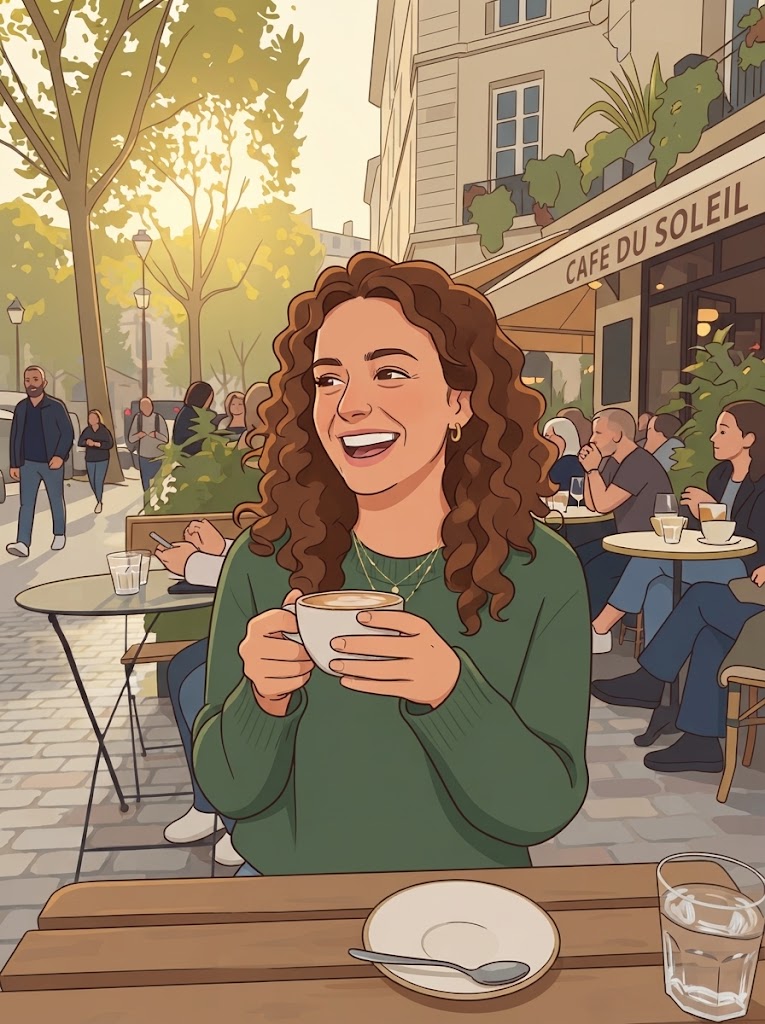
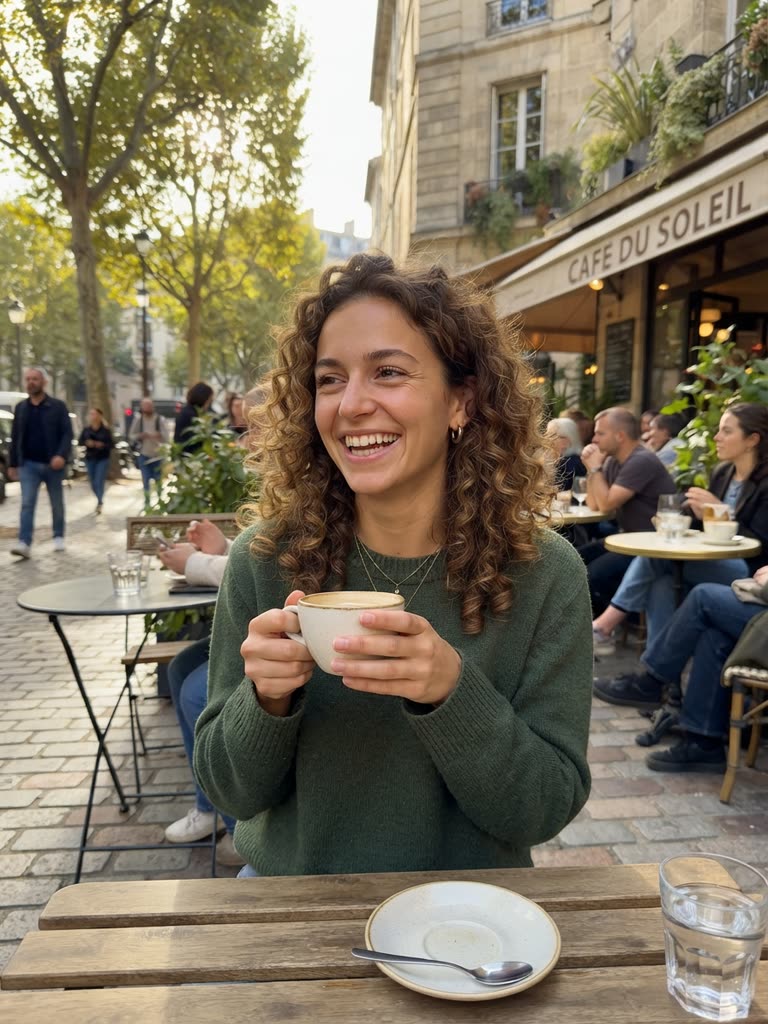
Drag to compare
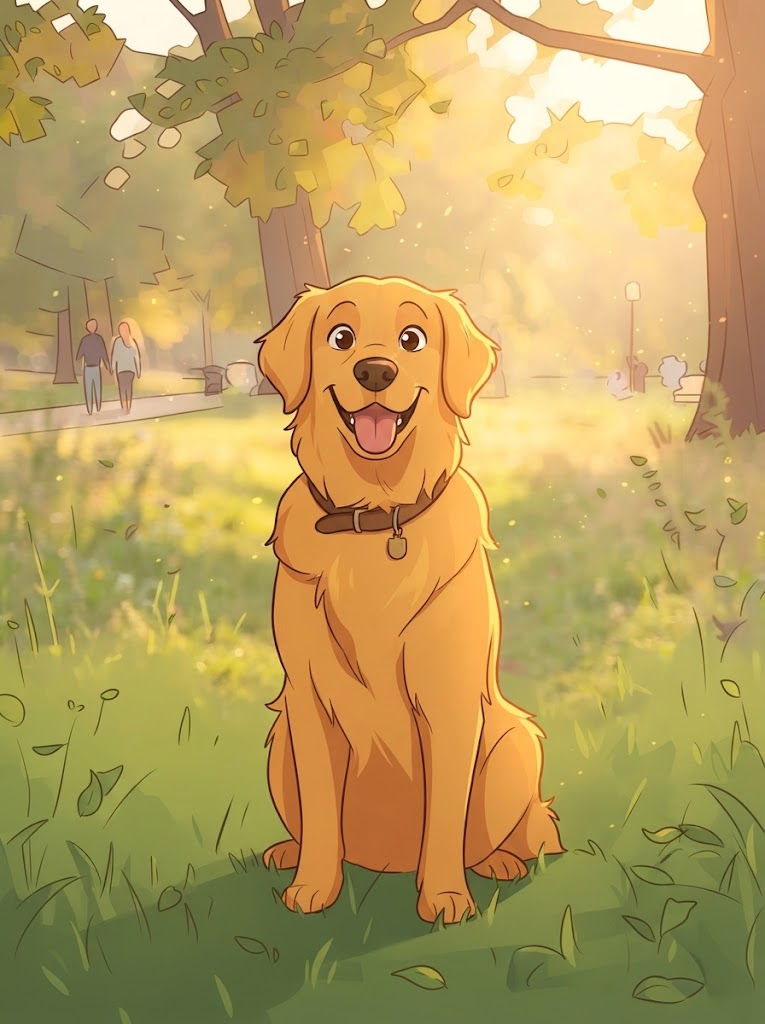
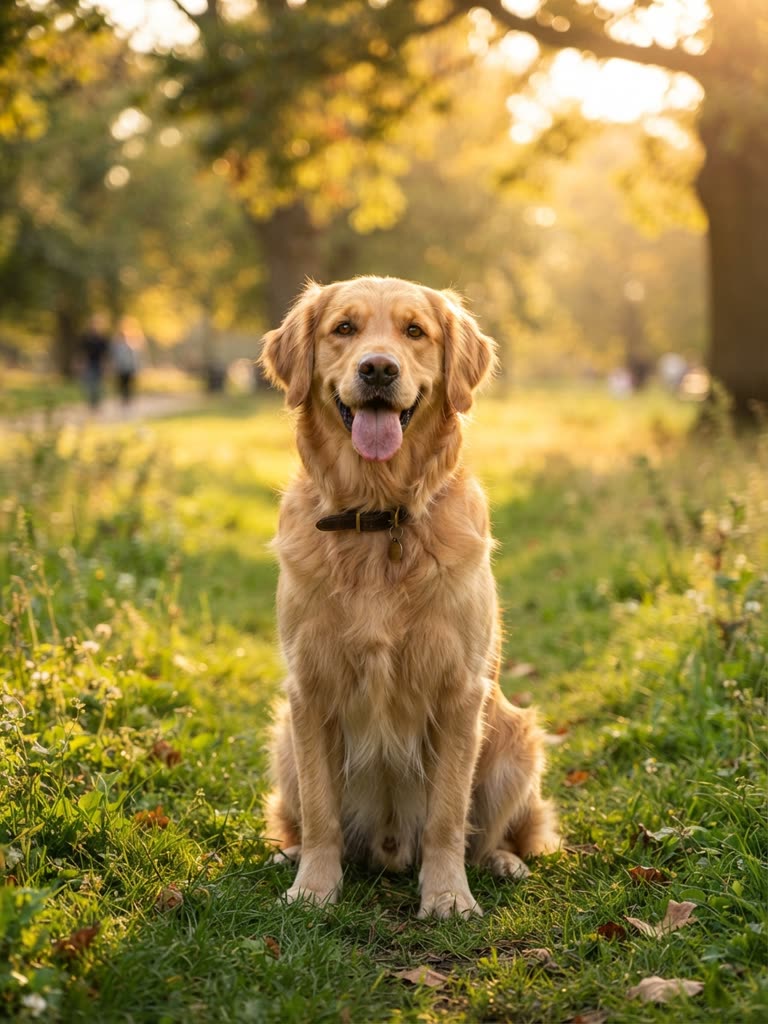
Drag to compare
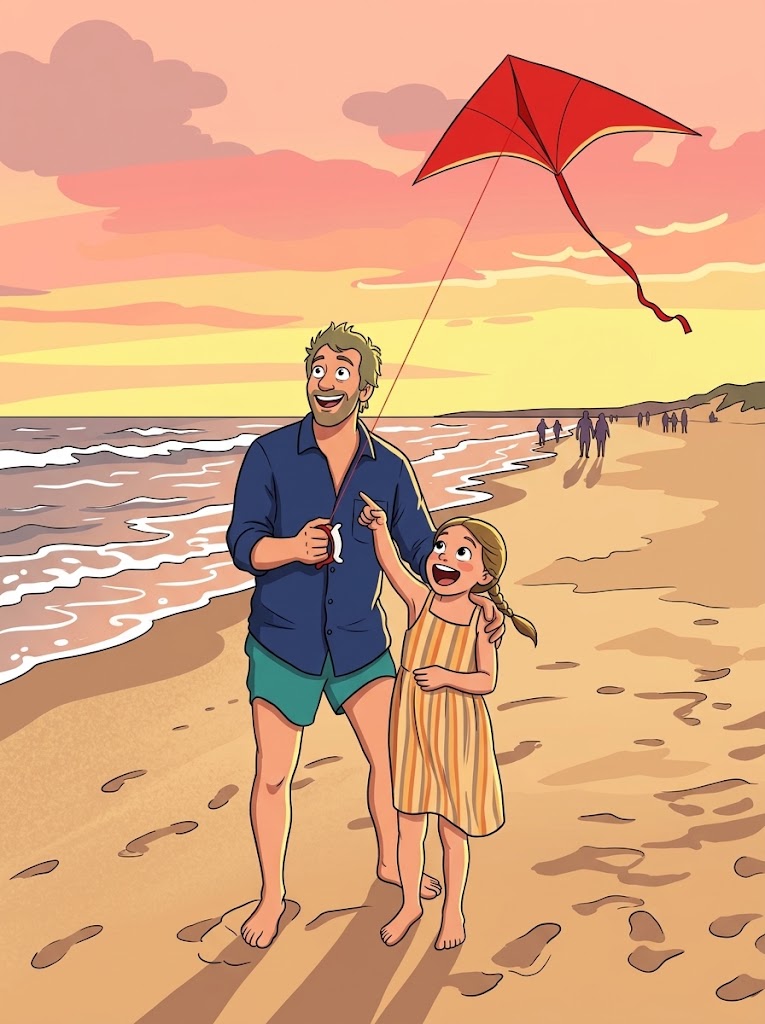
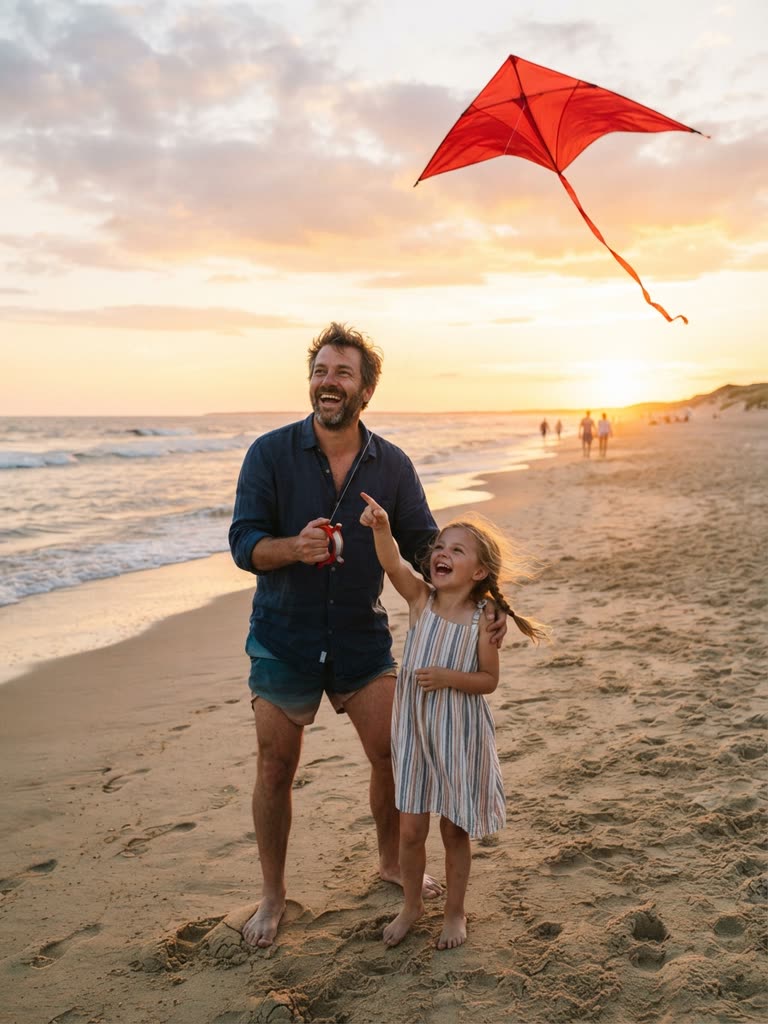
Drag to compare
How it works
- 1
Upload a photo
A selfie, a portrait, a pet, a group photo, a place. Clear light and a visible subject give the best cartoon.
- 2
Choose a style
Say how you want it drawn — 3D animated-movie look, anime, comic, watercolor — or let the AI pick a clean cartoon style.
- 3
Get your cartoon
The converter keeps what makes the photo yours: the expression, the pose, the outfit, the background.
- 4
Animate it (optional)
Turn the cartoon version into a short video with voice and music, or make it a character for a series.
What you get
Keeps the likeness
You still look like you — it is a cartoon of your photo, not a random cartoon face.
Faces, pets, groups, places
Portraits, couples, families, dogs and cats, cars, houses. If it is in the photo, it gets cartoonized.
Any cartoon style
Animated-movie 3D, anime, comic book, kawaii, watercolor, retro — describe it in a few words.
Cartoon to video
Unique here: the cartoon of your photo can become an animated clip or a recurring character.
Private by default
Your photos are used to make your cartoon and are never shown publicly unless you post the result.
Works on your phone
Upload from the camera roll, download the cartoon, post it — all in the browser.
Ready when you are
A free account, a free cartoon, nothing to install. The free pool refills every week.
Cartoonize my photo freeFrequently asked questions
- Is the photo to cartoon converter free?
- Your first cartoonized photo is free with a free account; no card is needed. Plans from $1.99 a month include more photo-to-cartoon conversions along with the cartoon video maker.
- Can I cartoon myself from a selfie?
- Yes — that is the most common use. Upload a selfie, choose a style, and you get a cartoon version of yourself that keeps your expression and features.
- Does it work with pets and group photos?
- Yes. Dogs, cats, couples, families and friends in one photo all get cartoonized together, in the same style.
- How do I do the AI cartoon trend?
- Upload the photo everyone will recognise, pick the 3D animated-movie style, download the cartoon and post it next to the original. Our guide walks through the formats that get shared most.
- Can I turn the cartoon into a video?
- Yes. Once your photo is a cartoon, you can animate it into a short clip with voice and music, or save it as a character and put it in a series.
- Do I need to download an app?
- No. The converter works in the browser on any phone or computer.
- What happens to my photo?
- It is used only to generate your cartoon. It is not published, sold or used to train anything, and you can delete your cartoons from your account at any time.
More free tools
- Free AI Cartoon MakerMake cartoon videos and images from a text prompt with GenCartoon’s free online cartoon maker.
- Create Your Own Cartoon Character with AIDesign your own cartoon character with AI: describe the look and personality, get a character you can reuse in every video, episode and movie.
- Free Online Animation MakerMake 2D cartoon animations online for free: type what happens, get an animated video with voice and music.
- AI Cartoon Series GeneratorCreate an AI cartoon series with the same characters in every episode, or a full animated movie, from text.
- Cartoon Idea GeneratorStuck for a cartoon idea? Generate random cartoon ideas, characters, settings and story twists in one click, then turn any of them into a video for free..
Guides
- How to turn a photo into a cartoon with AI, step by step
- Turn yourself into a cartoon: face, selfie or friends
- How to do the AI cartoon trend
- Creating cartoon faces with AI
Also known as: image to cartoon converter, cartoonize my face, cartoon yourself, picture to cartoon, face to cartoon AI.