
AI Cartoon Movies: Make an Animated Movie With AI (2026)
Watch a short AI cartoon movie, then make one: a story in three acts, a fixed cast and up to three minutes of film, scene by scene.
An AI cartoon movie is a short animated film, with a cast, a plot and an ending, that AI writes, draws and animates from your idea one scene at a time. On GenCartoon you make one in Studio 2.0: a film of up to three minutes with the same characters in every shot. AI animated movies are the same thing under another name, and neither is a feature film from one prompt.
Below: a short example, then the method. Already have a story? Paste it into the AI cartoon story maker; the Story Agent writes it into scenes and a cast you can edit before anything renders.
Watch an AI cartoon movie
The Wizard Fox's Potion is a 15-second mini-movie in three scenes. A wizard fox pours a glowing potion into a bubbling cauldron; the potion erupts in green and pink smoke while brooms and books fly around his workshop; the smoke clears and a tiny glowing winged sprite flutters above the startled fox. Setup, chaos, resolution, with the same fox, hat and robe in every shot. A Studio 2.0 movie stretches that shape over up to three minutes.
What an AI cartoon movie is today
Video models generate a few seconds per shot (1 to 15 seconds per scene in GenCartoon's Studio 2.0, up to 30 on its Ultra engine), so anything longer is assembled from shots; no tool renders a feature film from one prompt. What you can make:
| Format | How it is built | Length | Plan |
|---|---|---|---|
| Studio 2.0 movie | one episode film, every scene made from the cast's reference sheets | up to 3 minutes | paid |
| Studio 2.0 series | up to 6 episodes of one story, one cast | 15 seconds to 3 minutes each | paid |
| 60-second episode | one shorter episode film | about 60 seconds | paid |
| Free cartoon | one shot from one sentence | 4 seconds | free |
This guide is about the Studio 2.0 movie: you pitch an idea or paste a story, the Story Agent writes it into scenes with a cast, and you get a scene-by-scene plan (what happens, who is in it, the camera, the length, at most one short spoken line) to edit before rendering. Longer than three minutes? Spread the story over up to 6 episodes in the AI cartoon series generator and join them in any editor; how long an AI cartoon can be explains the limits.
Plan three acts
Write the movie as three sentences first, one per act: setup, things go wrong, payoff. The example used below:
- Act 1: Pip, a shy fox apprentice in a wizard's potion shop, dreams of brewing something impressive.
- Act 2: Left alone for a night, she tries a forbidden recipe and turns the shop cat into a floating, glowing balloon.
- Act 3: She must undo the spell before the wizard returns, and manages it by owning up and reading the instructions properly.
Each act then follows the same seven beats, one scene each, about a minute per act:
| Beat | What it does | Act 2 of Pip's movie |
|---|---|---|
| Establish | opens the act on movement, not scenery | the wizard's cart rattles away; Pip waves from the door |
| Want | what the hero is after now | Pip eyes a locked cabinet with a glowing recipe book inside |
| Obstacle | the force pushing back | the shop cat is asleep on the key |
| Attempt | a plan, committed to on screen | she swaps the key for a sardine and starts brewing |
| Reversal | the plan backfires | the potion splashes the cat, who swells into a glowing balloon |
| Consequence | the price, as an emotional beat | the cat drifts toward the open window; Pip's ears flatten |
| Turn | the event that forces the next act | lanterns on the hill road: the wizard is back early |
The turn is the beat people skip, and it is the engine: Act 1 ends when the wizard announces a night away, Act 2 when he comes back early. Need a premise? The random cartoon idea generator rolls one for free.
Lock the cast with character sheets
The quickest way to make an AI animated movie look amateur is a hero whose face or outfit drifts between scenes. GenCartoon fixes the cast first: each character is drawn once as a reference sheet (the same character from the front, three-quarter and side on one image), and every scene is rendered from those sheets. Design characters ahead in the cartoon character creator and keep them in your character library.
- Keep the cast small. Two or three named characters is plenty for three minutes.
- Give each character one bold detail, like Pip's oversized purple robe and round glasses. Bold details survive animation; fine ones drift.
- Decide the style once. One line, such as "soft 2D storybook, warm candlelight palette", for the whole movie.
Want a real person or a pet in the cast? On a paid plan a character can be based on an uploaded photo, and its sheet keeps the likeness. Preview the cartoon version with the photo to cartoon AI; your first conversion is free.
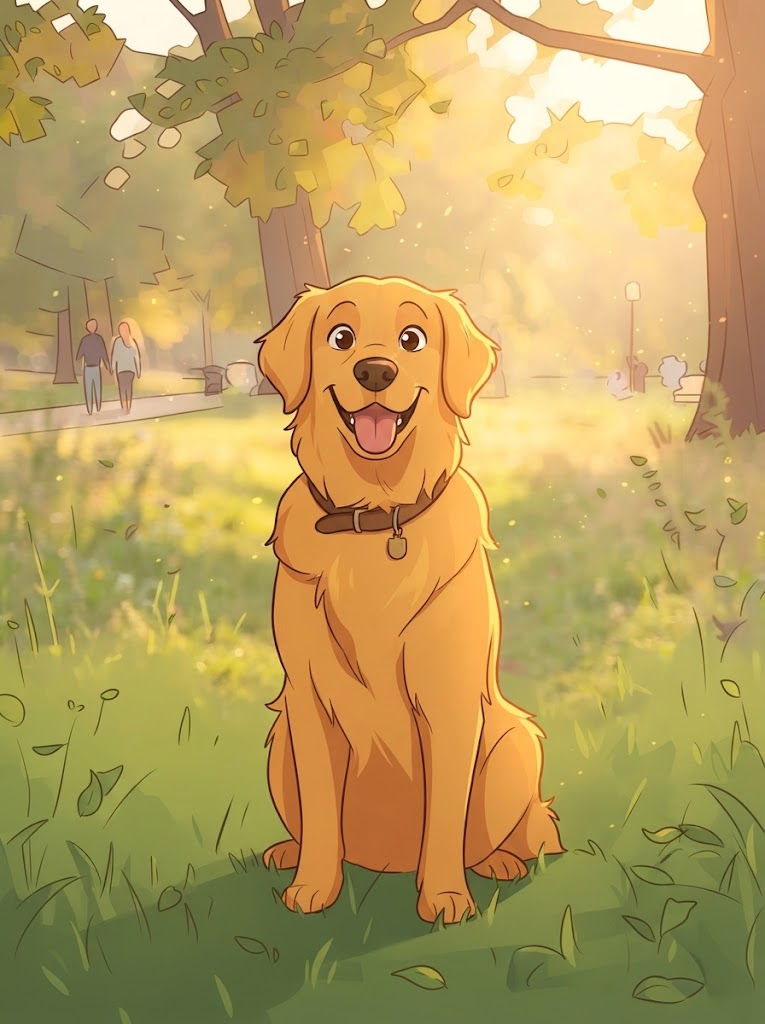
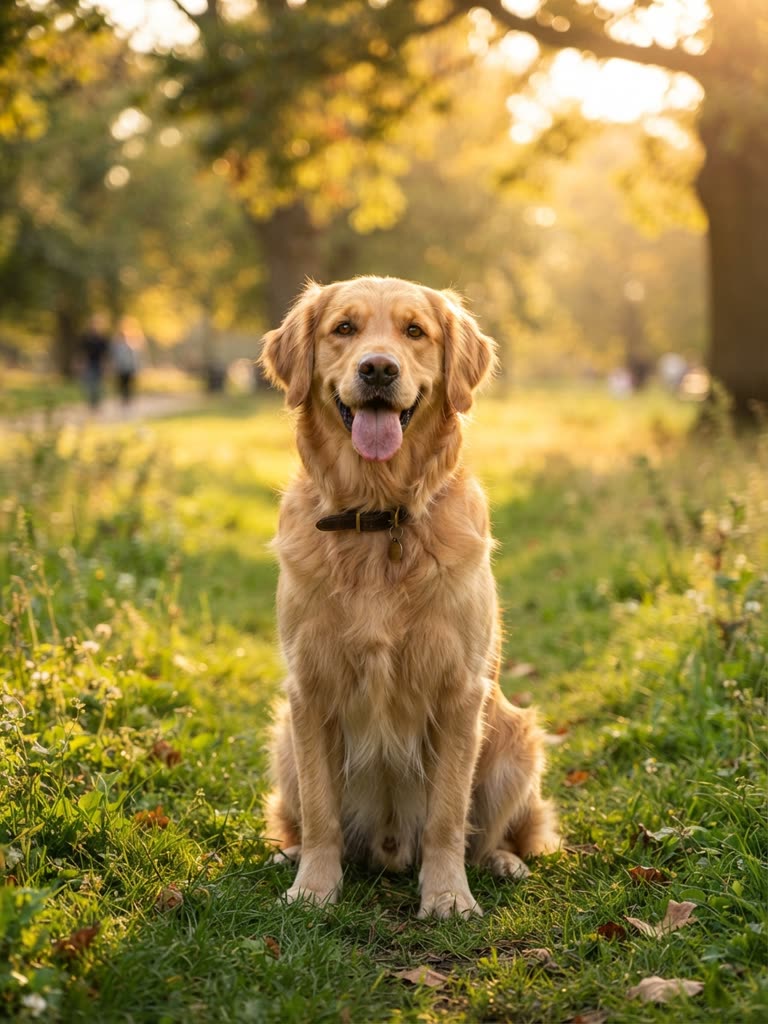
Drag to compare
The same sheets carry over if Pip later gets her own show: an AI cartoon series is a fixed cast with a new story every episode.
Scene prompts that animate well
The Story Agent drafts every scene; your edits decide whether it animates cleanly. A good scene names who (the same name every time), where (one or two details), one action, the camera (close-up, medium or wide) and the mood. Dialogue goes in its own field, one short line at most, and is spoken in the scene; quoted words inside the action tend to get painted into the picture as text. Two scenes from Act 2:
Scene 2 (Want)
Camera: medium shot, slow push-in
Action: Pip, a young fox in an oversized purple robe and round glasses,
presses her nose to a locked glass cabinet. Inside, a recipe book glows green.
Mood: dim potion shop, flickering candles, curious
Dialogue: Just one tiny recipe.
Scene 5 (Reversal)
Camera: wide shot
Action: the cauldron burps a green splash onto the shop cat, who swells
into a round glowing balloon and floats off the counter.
Mood: chaotic, bright green light against dark shelves
Dialogue: Oh no. Oh no no no.
Leave out two actions joined by "and then" (that is two scenes), feelings without actions ("she feels guilty" does not animate; "she hides the spoon" does), durations (length is a setting, not a prompt word) and crowds or fast spins, where faces drift. Working from a screenplay? The script to video AI guide shows how to cut it into one-action scenes.
Render and join
When the plan reads right, render. Each scene is rendered from the cast sheets, 1 to 15 seconds long on the Standard engine or 2 to 30 on Ultra. Scenes render in the background, several at a time, so you can close the page and come back. A failed scene is retried automatically, and you can re-render any single scene without touching the rest.
Finished scenes are joined into one film automatically, with AI-generated sound, including each scene's spoken line, and your Library keeps every film and clip, ready to download. Before you publish, check every scene: did the character read, did the action happen, did the style hold? Re-render only the ones that fail.
Cut a trailer
Once the scenes exist, download their clips from your Library and cut a teaser, a trailer or a recap in any video editor, without animating anything new.
- Trailer: three to five of your strongest scenes, escalating, ending before the resolution. Never spoil the payoff.
- Teaser: the one or two most arresting moments, ending on a question. For Pip: the cat swelling into a balloon, then the lanterns on the road.
- Recap: the story so far, in order, for a sequel or a movie posted in parts.
Post the teaser first as the hook, then the full movie.
What it costs
Testing is free: every account can make a free cartoon, a 4-second vertical clip at 480p with sound and a small watermark, usually ready in about a minute. Spend it in the AI cartoon maker on your lead character to test the description and style line before you commit.
Writing your first story is free; movies render with credits, which every paid plan includes. All in One is $29.99 a month with 1,800 credits, or $99 a year with 1,000 credits a month (about $8.25 a month). A 60-second episode in HD 720p on the Standard engine uses roughly 450 credits; a three-minute movie runs three times as long, so plan on roughly three times that, most of a month's All in One credits; the Ultra engine uses more. Prices show in your currency at checkout; pricing lists every plan.
FAQ
Can AI make a full cartoon movie?
Yes, a short one: GenCartoon's Studio 2.0 makes a cartoon movie of up to three minutes, with one consistent cast in every scene. No tool renders a feature-length film from one prompt; video models generate a few seconds per shot, so longer stories are built from scenes.
How long is an AI cartoon movie?
On GenCartoon, up to three minutes: one episode film in Studio 2.0. Written as three acts of seven beats, that is roughly a minute per act. For longer stories, spread the story over up to 6 episodes with the same cast and join them in any editor.
Is there a free AI cartoon movie maker?
Not for a whole movie. GenCartoon runs online in any browser and lets every account make a free cartoon, a 4-second clip that is enough to test a character, and writing your first story in Studio 2.0 is free, but movies render with credits, which every paid plan includes: All in One costs $29.99 a month or $99 a year.
What is the difference between an AI animated movie and an AI cartoon movie?
Mostly the wording. Both mean a short film made with AI from scenes that share a cast; "cartoon" usually signals a drawn, stylized look, while "animated" covers any style. On GenCartoon they are made the same way, scene by scene in Studio 2.0, in the style you describe in your pitch.
Can I turn an existing video into a cartoon movie?
No. GenCartoon does not convert existing video into a cartoon; it makes new animation from your ideas. On a paid plan you can base a character on a photo of a person or a pet, and its reference sheet keeps the likeness in every scene.
GenCartoon Team
GenCartoon Team makes AI cartoons and writes about characters, scenes and animation workflows.
Make your own cartoon
Describe an idea in one sentence and watch it animate: a free 4-second cartoon to start, no card needed. Paid plans make clips of up to 8 seconds in HD 720p, without the watermark.
Start my story cartoonRelated guides
AI Cartoon Show Generator: Create Your Own Cartoon Show
How to use an AI cartoon show generator: a premise, a cast, a format you can repeat, a random show idea table, and characters that stay on-model.
ReadViral AI Cartoon Channels: How They're Made (2026)
How viral AI cartoon channels — sibling family dramas, fruit and vegetable soaps, animal sitcoms — are made, and how to start your own AI cartoon series.
ReadAI Cartoon Episode Generator: 15, 30 & 60-Second Episodes
An AI cartoon episode generator turns a pitch into a 15-, 30- or 60-second cartoon episode with a fixed cast and spoken lines. Beats and six templates inside.
Read