
AI Animated Series: How to Make an AI Cartoon Series
How to make an AI cartoon series — an animated series where the same characters return every episode: cast sheets, episode beats, memory and real costs.
An AI cartoon series — also called an AI animated series — is a run of short cartoon episodes made with AI in which the same characters, world and style come back every time. Generating one cartoon clip is easy now. Generating the tenth episode so that the fox cub still wears the same blue scarf, in the same storybook world, next to the same friends, is the hard part — and it is what separates a series from a pile of clips.
This guide shows how a series is built — the cast sheets, the episode formats, how a story carries from one episode to the next — and what it costs. To try it with your own pitch, open GenCartoon's AI cartoon series generator.
Watch: three episodes, one cast
Miso, a curious fox cub, finds a glowing egg; in episode two it hatches into a tiny turquoise dragon; in episode three the two of them fly over a little town at sunrise. Same fox, same blue scarf, same storybook look — three separate renders.
What a series needs that a single cartoon does not
- A locked cast. Each character is drawn once as a reference sheet — front, three-quarter and side view on one image — and that sheet is the reference for every scene the character appears in. The guide to AI cartoon characters that stay consistent goes deeper on designing them.
- A series bible. One paragraph that never changes: the world, the art style, the palette, the tone. In Studio 2.0 the story's style is attached to every scene, so episode six looks like episode one.
- A format. Pick one length and keep it: 15-second shorts, 30-second shorts or 60-second episodes (Studio 2.0 episodes run from 15 seconds to 3 minutes). Viewers learn the rhythm.
- Memory. The next episode has to know what happened in the last one. In Studio 2.0 the Story Agent writes the whole story, up to 6 episodes, with one cast, so open threads carry over.
- A schedule. A series is a promise. Three episodes a week beats ten in one day.
Step by step in GenCartoon's Studio
- Pitch the show in a sentence. "Two rival food-truck raccoons in a beach town, a new customer every episode."
- Let the Story Agent write it. It writes your pitch into scenes with a cast, over the number of episodes you choose.
- Approve the cast. Each character gets a fixed look and a personality. Change one detail at a time and redraw the sheet rather than describing changes in every scene.
- Read the episode plan. Every scene comes with what happens, who is in it, its camera and length, plus at most one short spoken line. Edit anything before rendering; Genic, the built-in assistant, helps.
- Render. Each scene is rendered from the cast sheets on the engine you pick, Standard or Ultra, and each episode is joined into one film automatically, with each scene's spoken line.
- Download and post. Your Library keeps every film and clip, ready to download.
If you start from a story you already have rather than a show idea, use the cartoon story maker instead — it runs on the same Studio.
Formats that work for a series
| Format | Beats | Good for |
|---|---|---|
| 15-second short | 2 (hook, payoff) | one joke, a loop, daily posting |
| 30-second short | 4 (hook, setup, twist, payoff) | sitcom moments, a micro-story |
| 60-second episode | 7 (cold open → button) | a full mini-arc with a cliffhanger |
| Series | up to 6 episodes of one story, one cast | a show people follow |
| Movie | three acts in one episode of up to 3 minutes | a special episode or a finale |
The seven beats of a 60-second episode, with timings and six templates, are in the AI cartoon episode generator guide.
Keeping AI cartoon characters consistent
- Give every character one signature detail — a red scarf, mismatched socks, a chipped tooth. The model holds onto distinctive details better than "cute".
- Describe each character in one fixed sentence — species, size, colour, one accessory — and reuse it word for word. This is what kept Miso recognisable across the three clips above, and it works even for single clips made outside the Studio.
- Lock the style once. "Soft 3D storybook, pastel palette" as the story's style, not a different style word in each scene.
- Keep scenes simple. Two or three characters per shot, one clear action. Crowds and fast spins are where faces drift.
- Never quote dialogue inside the picture prompt. A quoted line gets painted into the image as text. Put dialogue in the scene's dialogue field; the character speaks it.
- Re-render, don't patch. If one scene drifts, re-render that scene; the rest of the episode is untouched.
Your star can also start as a photo: on a paid plan a character can be based on an uploaded picture of yourself or your pet, and the reference sheet keeps the likeness. To see the look first, turn the photo into a cartoon image with the picture to cartoon converter — the first one is free.
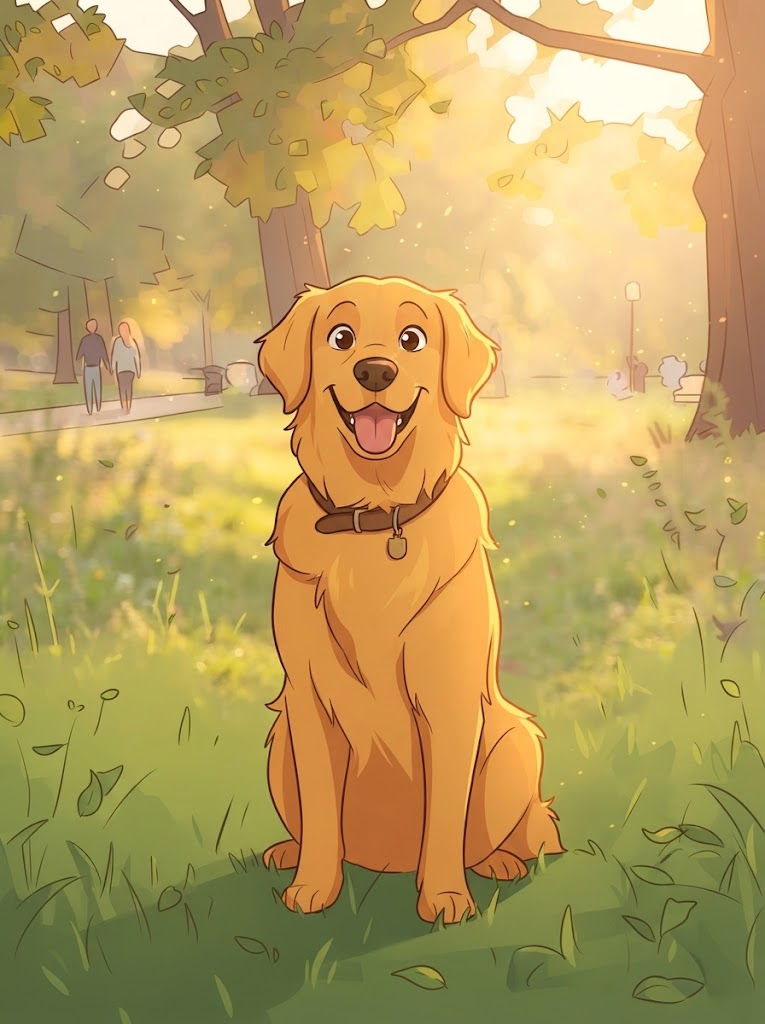
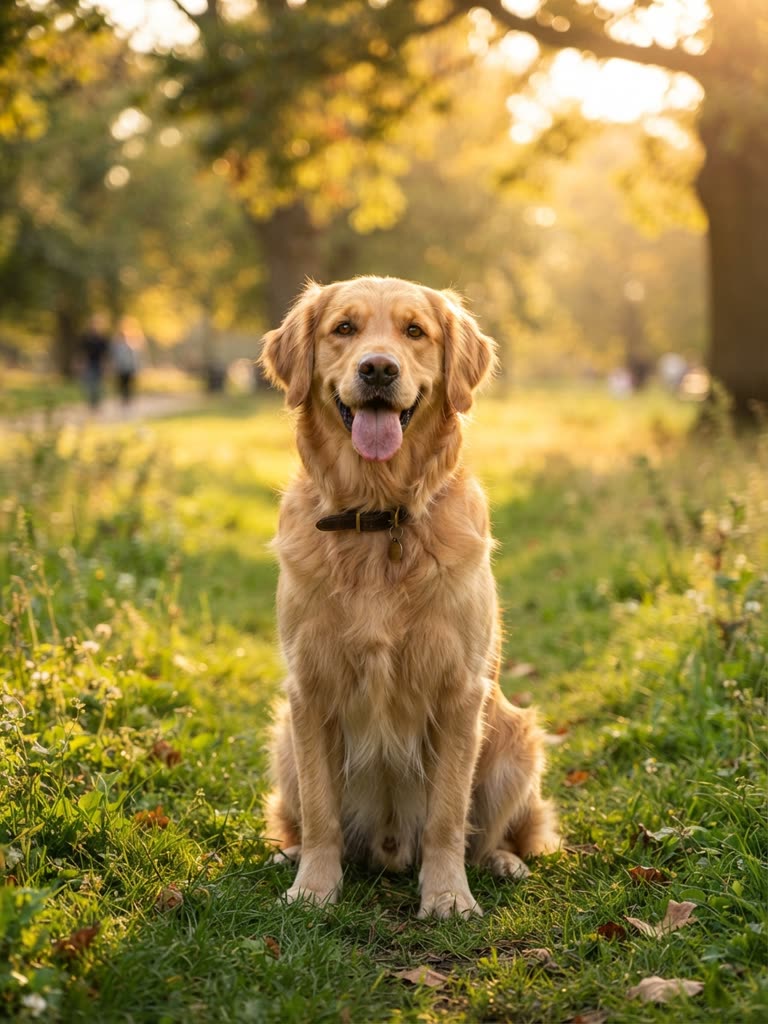
Drag to compare
Six series ideas that suit short video
- Desert Café — a grumpy cactus and an over-friendly watering can run a café; one customer per 30-second episode.
- Night Shift Ghost — a shy ghost works the night shift at a 24-hour laundromat; 60-second episodes, each a small mystery.
- Grandma Supreme — a superhero grandmother whose powers only work after her afternoon tea; 15-second gags.
- Lost in the Library — two mice who live inside a library book and wander into a different story each week.
- Robot Learns — a kitchen robot tries one human skill per episode (whistling, lying, napping) and fails in a new way.
- Tiny Astronauts — three hamsters run a space station the size of a lunchbox; a 60-second crisis every episode.
Need more? The cartoon idea generator rolls premises, casts and twists for free, and the AI cartoon show generator guide shows how to turn a premise into a show you can repeat.
What a series costs
Trying GenCartoon is free — a free cartoon (a 4-second clip at 480p with a small watermark) is enough to test a character. Writing your first story in Studio 2.0 is free; series and movies render with credits, which every paid plan includes: All in One is $29.99 a month with 1,800 credits, or $99 for a year with 1,000 credits a month. A 60-second episode in HD on the Standard engine uses roughly 450 credits — about a quarter of All in One's monthly credits; the Ultra engine uses more. See pricing.
FAQ
Can AI make a whole cartoon series?
Yes. In GenCartoon's Studio 2.0 the Story Agent writes your story into scenes with a cast, every character stays on-model with a reference sheet, and each episode, up to 6 per story, is joined into one film automatically.
How do I keep AI cartoon characters consistent?
Design each character once as a reference sheet (front, three-quarter and side), keep one style description for the whole series, and use simple scenes with one action. GenCartoon attaches the sheet to every scene automatically.
How long are AI cartoon series episodes?
On GenCartoon an episode film runs from 15 seconds to 3 minutes, and a story holds up to 6 episodes; a movie is one episode of up to three minutes (see making an AI cartoon movie).
Is there a free AI animated series maker?
You can try GenCartoon free: a free cartoon is enough to test a character in a 4-second clip, and writing your first story in Studio 2.0 is free. Rendering whole episodes with a fixed cast uses credits, which every paid plan includes.
Can I monetise an AI cartoon series on YouTube?
The cartoons you make are yours to post and monetise. Platforms reward original, story-driven episodes over repetitive uploads, which is exactly what a series with recurring characters gives you.
GenCartoon Team
GenCartoon Team makes AI cartoons and writes about characters, scenes and animation workflows.
Make your own cartoon
Describe an idea in one sentence and watch it animate: a free 4-second cartoon to start, no card needed. Paid plans make clips of up to 8 seconds in HD 720p, without the watermark.
Start my series freeRelated guides
Viral AI Cartoon Channels: How They're Made (2026)
How viral AI cartoon channels — sibling family dramas, fruit and vegetable soaps, animal sitcoms — are made, and how to start your own AI cartoon series.
ReadScript to Video AI: Turn a Script Into a Cartoon (2026)
Script to video AI for cartoons: format a script for a model, split it into one-action scenes, render them with a fixed cast, and what is really free.
ReadHow Long Can an AI Cartoon Be? Long-Form AI Cartoons
How long an AI cartoon can really be in 2026: 4–8-second clips, 15-second to 3-minute episodes, series and short movies, and how longer videos are built.
Read