AI Cartoon App for iPhone: Photo to Cartoon and Cartoon Videos
GenCartoon - AI Cartoon Maker is an AI cartoon app for iPhone, free to download on the App Store: it turns a photo into a cartoon and one sentence into a cartoon video with sound. Sign in with Apple or Google, no card, and your first cartoon is free.
The app needs iOS 15 or later and is built for iPhone (it also runs on iPad). There is no Android app yet: on Android, or on a computer, the GenCartoon website makes the same cartoons in your browser, with nothing to download.

Free to download · In-app purchases · iOS 15 or later · Rated 13+
The GenCartoon app at a glance
- App
- GenCartoon - AI Cartoon Maker (“Photo to cartoon & AI stories”), on the App Store
- Price
- Free to download, with in-app purchases: plans, credit packs and extra cartoons, charged by Apple at the price the App Store shows in your country
- Free AI cartoon
- With a free account, your first cartoon is free: 4 seconds · 480p · vertical 9:16 · with sound · small watermark. Your first photo-to-cartoon is free too
- Requires
- iOS 15 or later
- Devices
- iPhone (also runs on iPad, in the iPhone layout)
- Android
- No Android app yet: on Android, use gencartoon.com in your browser
- Account
- Sign in with Apple or Google: the same account as on gencartoon.com. Or continue without an account: you can buy, but nothing is free until you save the account
- In the app
- Home · Photo · Recreate · Series · Library · Account, and the Studio from Home
- Age rating
- 13+
- Category
- Photo & Video
AI cartoon video maker on your phone
The app is an AI cartoon video maker: type one sentence — who is in it, what happens and the style — and it makes a moving cartoon with sound, not a picture with an effect on top. “A grumpy cat chef flips pancakes in a tiny kitchen, bouncy 3D animated-movie style” is enough. The cartoon usually comes back in about a minute as a vertical 9:16 video, the shape TikTok, Reels and YouTube Shorts use.
Your first cartoon is free with a free account. After that, Quick Cartoon in the app’s Studio makes one shot from a sentence with your plan’s credits: longer clips, in HD 720p and without the watermark, and it can start from a picture of your own character. Write in any language; a line a character says keeps the language you wrote it in.
Every cartoon you make is kept in your Library. Open the share sheet to save the video to Photos or post it wherever you like; free cartoons carry a small watermark, paid ones do not. The sound is generated with the picture, and one character can say a short line; there is no music track or voice picker, so add music in your editor.
Photo to cartoon app
The Photo tab makes GenCartoon an AI cartoon photo app too: it redraws a picture as a cartoon. Pick a photo from your library or take a selfie, choose a style, and the app draws a cartoon version of it that you can save to Photos. It is not a live camera filter laid over your face: an AI model redraws the whole picture in the style you pick. Your first photo-to-cartoon is free.
Classic cartoon, 3D animated movie and anime are open to every account. Fairy-tale storybook, comic book, chibi, claymation, watercolor and caricature come with a plan.
Recreate goes one step further: give it a picture or a short video of yours (1 to 15 seconds), say what should change, and it makes it again as a new cartoon clip. Recreate is included with a plan, and the app shows its price in credits before you make it.
 The photoAn AI-generated face (nobody real)
 Classic cartoonBold outlines, bright flat colours
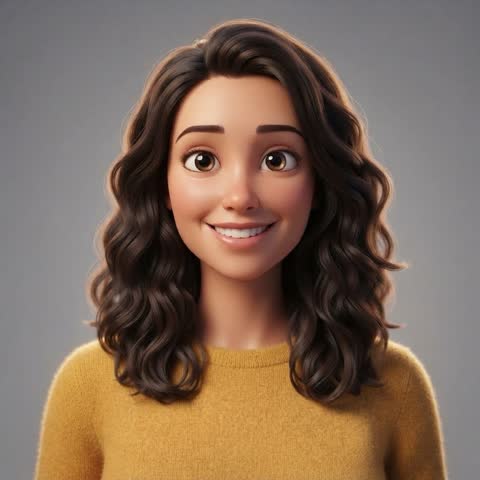 3D animated movieSoft, rounded 3D
 AnimeClean line art, expressive eyes
On a computer, photo to cartoon on the website does the same in a browser.
Cartoon stories and series in the app (Studio)
The Studio is where a cartoon becomes a story. Give the Story Agent an idea or paste a story, and it writes it into scenes with a cast; each scene says what happens, who is in it and at most one short spoken line, lip-synced. Writing your first story is free; rendering uses credits, and every paid plan includes credits.
The Series tab keeps a show together. A series is a saved cast — characters and objects — and one look. You write each episode in your own words and pick the series it belongs to, so the same characters come back episode after episode, staying close to their look. Your series, films and clips stay in the Library.
Every account can make a short series: up to 6 episodes, each one 15-second cartoon. The All in One plan adds full episodes of 15 seconds to 3 minutes, built scene by scene, with a reference sheet for each character. The AI cartoon series generator page explains the Studio in detail, and the cartoon story maker shows how a script becomes scenes.
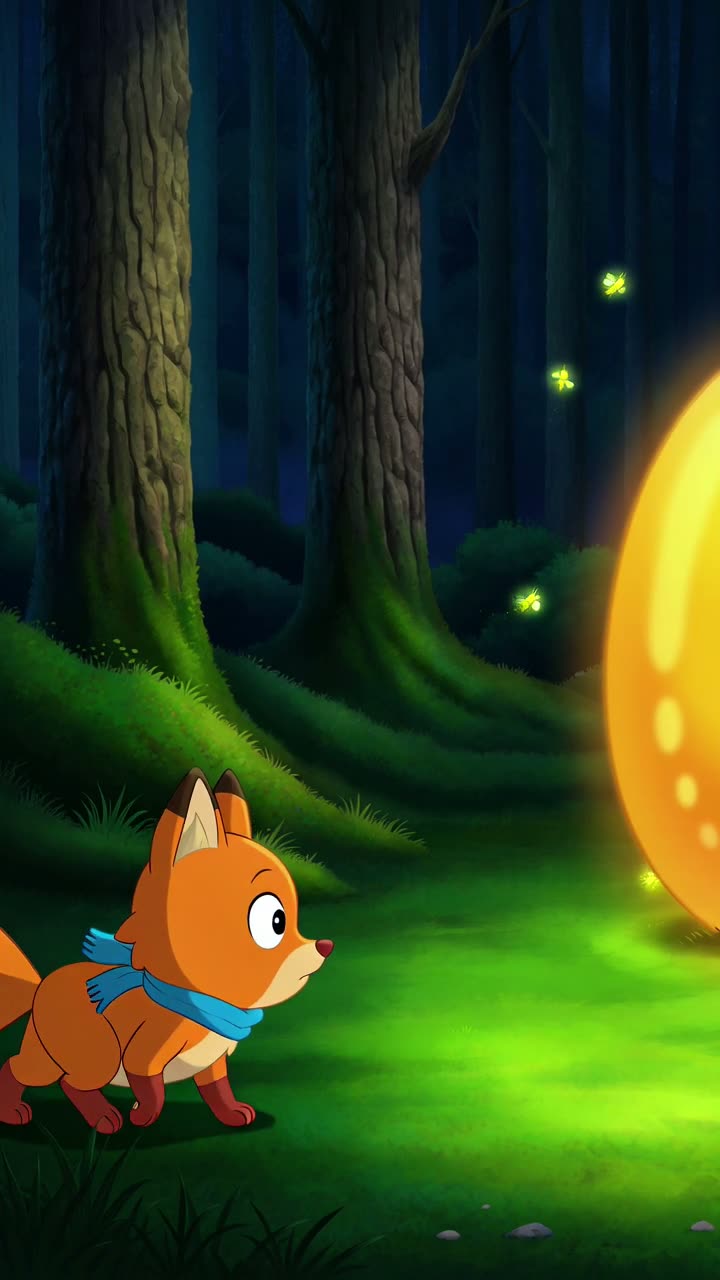 The Glowing EggEpisode 1 of “Miso & the Little Dragon”
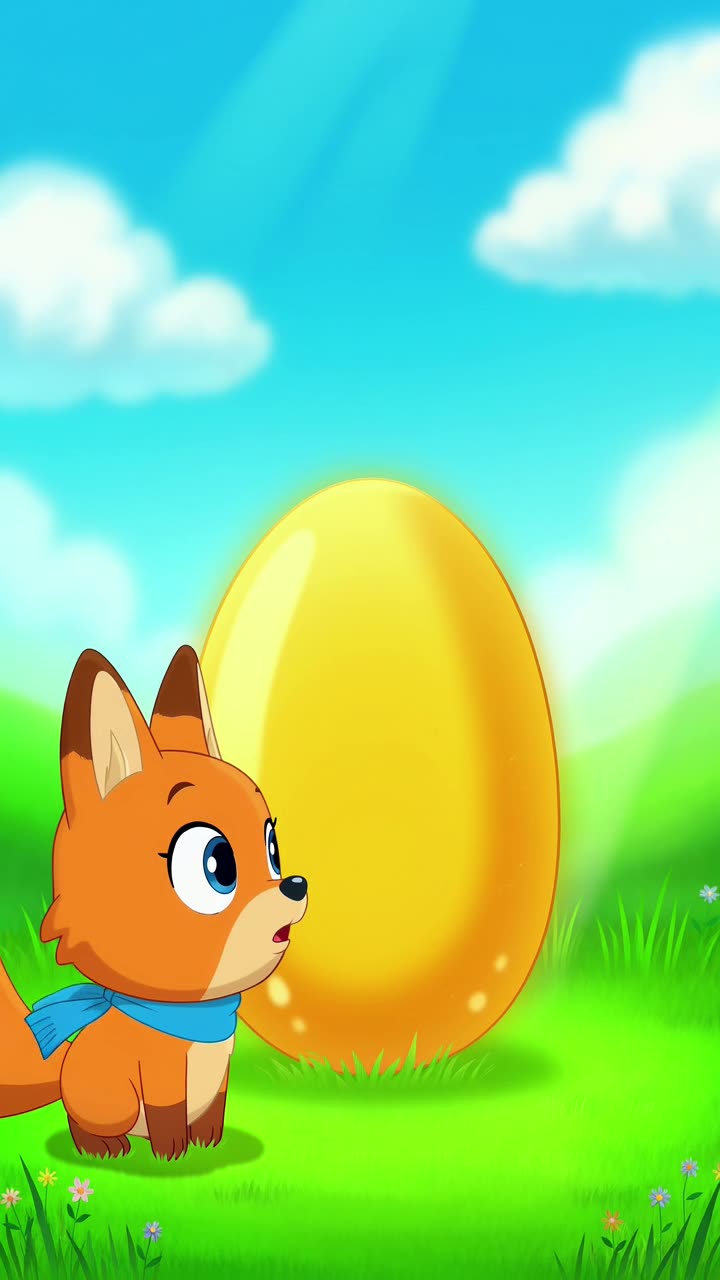 Hello, Little DragonEpisode 2 of “Miso & the Little Dragon”
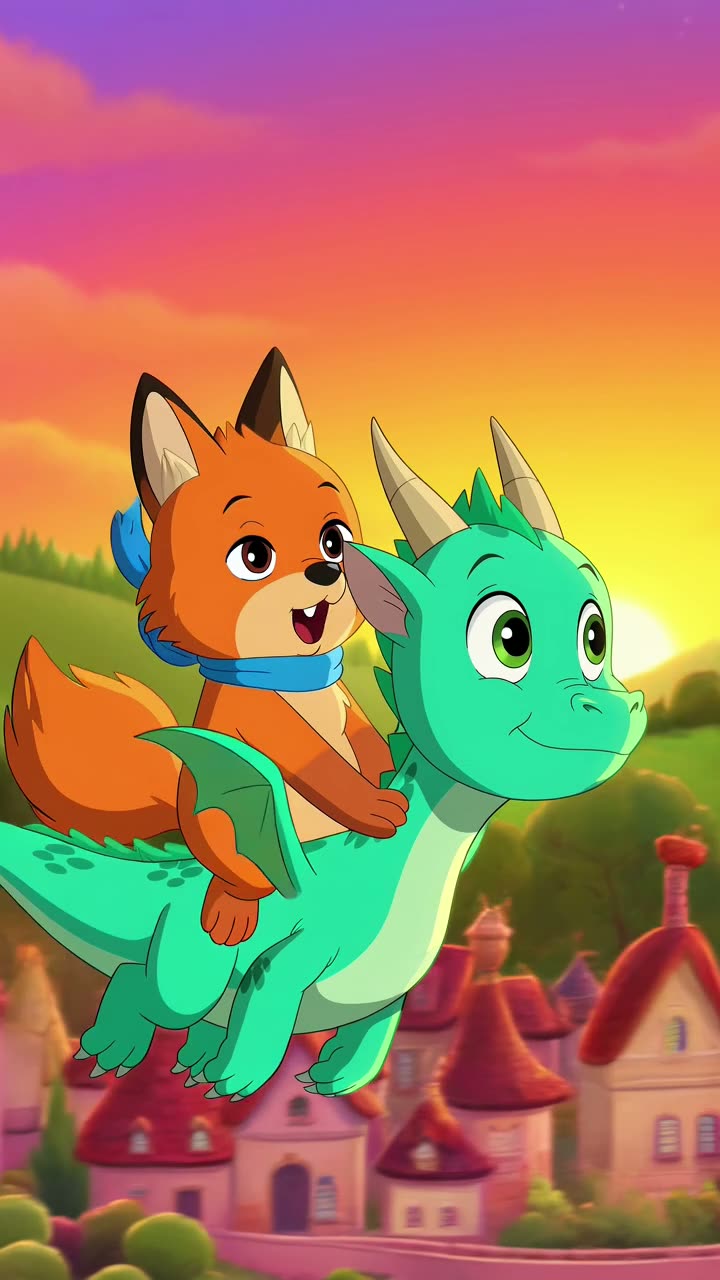 First FlightEpisode 3 of “Miso & the Little Dragon”
App or website?
Both make the same cartoons on the same account, so pick the one that fits the device in your hand.
| Feature | GenCartoon website | iPhone app |
|---|---|---|
| Works on | Any phone, tablet or computer, in the browser | iPhone with iOS 15 or later (also runs on iPad) |
| Install | No download: open gencartoon.com | Free download from the App Store |
| Android | Yes, in Chrome or any other browser | No Android app yet |
| Sign in | Google, Apple or an emailed code, no password | Apple or Google, or continue without an account |
| Paying | Checkout on the website (see pricing) | In-app purchases, charged by Apple |
| Handy for | Computers, Android phones, not installing anything | Your camera and photo library, saving to Photos, the share sheet |
The website needs no download and runs in any browser, so it stays the way to make cartoons on Android and on a computer. The app is the iPhone option: the same cartoon maker, photo to cartoon and Studio, with your camera and photo library a tap away.
How to make a cartoon video on your phone for free
Making a cartoon video on mobile for free takes five steps, with the free cartoon maker app on an iPhone or with the website on any other phone.
Get GenCartoon
On an iPhone, download the free app from the App Store. On Android, open gencartoon.com in your browser: there is nothing to install.
Sign in free
Continue with Apple or Google, no card. Continuing without an account lets you look around and buy, but the free cartoon needs a saved account.
Type one sentence
Say who is in it, what happens and the style, for example “a sleepy panda chases a kite on a windy hill, soft 3D animated-movie style”.
Make it
The cartoon usually arrives in about a minute: a 4-second vertical clip at 480p, with sound and a small watermark.
Save or share it
Open the share sheet to save the video to Photos or post it. It also stays in your Library, ready to remake longer or in HD on a plan.
For prompts that work, see how to make cartoon videos with AI, or borrow an idea from real AI cartoons people made.
Get the AI cartoon app
Download GenCartoon free on the App Store, sign in with Apple or Google, and make your first cartoon free. No iPhone? The website does it all in your browser.
Questions about the AI cartoon app
- Is there a GenCartoon app?
- Yes. GenCartoon - AI Cartoon Maker is GenCartoon’s app for iPhone, on the App Store. It needs iOS 15 or later and also runs on iPad. On any other device, GenCartoon is the website, gencartoon.com, which works in the browser.
- Is the AI cartoon app free?
- Yes, to start: GenCartoon is a free AI cartoon generator app, free to download with in-app purchases. Sign in with Apple or Google, no card, and your first cartoon is free: a 4-second vertical clip at 480p with sound and a small watermark, usually ready in about a minute. Your first photo-to-cartoon is free too. Plans, credit packs and extra cartoons are in-app purchases charged by Apple; the App Store shows each price in your currency before you buy, and the website’s prices are on the pricing page.
- Is there an Android app?
- No, not yet. On an Android phone, open gencartoon.com in Chrome or any other browser: the website has the same cartoon maker, photo to cartoon and Studio, works on any screen size and needs no download.
- Does it work on iPad?
- Yes. GenCartoon is built for iPhone, and Apple lets it run on iPad (iPadOS 15 or later), where it opens in the iPhone layout. In Safari on an iPad you can also use the website full screen.
- Can I use the same account on the website and in the app?
- Yes. Sign in with the same Google account or Apple ID on gencartoon.com and in the app and you are in the same GenCartoon account: your cartoons, credits and plan. The app signs in with Apple or Google only, so if you made your website account with an emailed code, choose Continue with Google on that same address. A plan bought on the website shows in the app, and a plan bought in the app is managed in your Apple ID’s subscriptions.
- What can the app make?
- Cartoon videos with sound from one sentence, cartoon pictures from your photos in 9 styles, your own picture or short video made again as a cartoon clip (Recreate, with a plan), and stories and series with a recurring cast in the Studio. Everything you make is kept in your Library.
- Can I download my AI cartoon videos?
- Yes. A cartoon video opens in the share sheet, where you can save it to Photos or post it, and a photo cartoon saves to Photos with one tap. Free cartoons carry a small GenCartoon watermark; cartoons made on a paid plan do not.
- Do I need an account?
- To make your free cartoon, yes: a free account, made by signing in with Apple or Google. You can also continue without an account to look around and buy a plan or credits; saving the account later with Apple or Google keeps everything you bought and unlocks your free cartoon.
- Is it a cartoon filter app?
- Not a live filter. The Photo tab redraws your photo as a new cartoon picture in the style you pick, and the cartoon maker creates a moving cartoon video from your words. If you want a cartoon of your face, a clear, front-facing photo works best.
- Is GenCartoon the best AI cartoon app?
- It depends on what you want to make. GenCartoon is an AI app for making cartoon videos: short clips with sound from a sentence, photo to cartoon, and stories with a recurring cast that stays close to its look. It does not animate drawings frame by frame, has no music track and no Android app, and its free cartoon is 4 seconds with a watermark. Make your free cartoon and judge for yourself, or read the best free AI cartoon generators compared.
Make cartoons on the website
- AI Cartoon Maker The website’s cartoon maker: a cartoon video from one sentence, in any browser.
- Photo to Cartoon Turn a photo into a cartoon picture, first one free.
- AI Cartoon Series Generator Studio 2.0: episodes with a recurring cast.
- Cartoon Story Maker A story or a script, written into scenes.
- Talking Cartoon Maker One spoken, lip-synced line per scene.
- All free AI cartoon tools
Guides
- How to make cartoon videos with AI, step by step
- The best free AI cartoon generators compared
- See real AI cartoons people made
- Plans and prices
Also known as: AI cartoon app, cartoon AI app, AI cartoon generator app, AI cartoon video maker app, cartoon maker app, photo to cartoon app, GenCartoon iOS app.
Updated · by the GenCartoon team