
How to Generate AI Cartoon Images (2026 Guide)
How to generate AI cartoon images: from a photo or a text prompt, the styles and prompt words that work, and which tools make images and which make videos.
To generate an AI cartoon image, either upload a photo to a converter that redraws it as a cartoon, or describe the picture in a text prompt that names a style. On GenCartoon, the quickest route is a cartoon image from a photo: upload a selfie, a pet or a family photo and download a cartoon image that keeps the face, pose and background. Your first conversion is free.
Know which tool makes what. On GenCartoon, cartoon images come from Photo to Cartoon (photo in, cartoon image out) and, on paid plans, from the Studio's character reference sheets: a character you describe, drawn once from the front, three-quarter and side on one image. The cartoon maker itself makes short animated clips, not stills: a free 4-second cartoon to start, and 4–8-second clips in HD 720p on paid plans.
What are AI cartoon images?
AI cartoon images are illustrations drawn by an AI model from a text description, a photo, or both. Where a digital artist might spend hours in an illustration program, a model returns a draft in seconds, in almost any style: 3D animated-movie, anime, watercolor, comic book, flat vector. The result is a still picture; if you want the cartoon to move, see how to make cartoon videos using AI.
Three ways to get a cartoon image
| You start with | You get | On GenCartoon |
|---|---|---|
| A photo | A cartoon image that keeps the face, pose and background | Photo to Cartoon: first conversion free, more on paid plans |
| A character description | A reference sheet: the same character from the front, three-quarter and side on one image | Studio character sheets, on paid plans |
| A scene description | A still image from a text-to-image generator | The cartoon maker turns the same description into a 4–8-second animated clip instead |
The photo route is the most predictable, because the photo fixes the composition and the likeness and you only choose the style. The text route gives you anything you can describe, but takes more tries. For a side-by-side look at free tools that make images and videos, see best AI cartoon generators.
How to generate a cartoon image from a photo, step by step
- Choose a clear photo. Sharp, evenly lit, subject large in the frame. JPG, PNG or WebP, up to 10 MB.
- Open Photo to Cartoon and sign in. Google or an emailed code; no password, no card.
- Add a style note, or leave it empty. Empty gives the default: vibrant 2D with bold, clean outlines and flat cel-shaded colors. A note such as "Pixar-style 3D", "anime" or "comic book" changes the look.
- Generate, check, download. Check the details that matter (glasses, hair, a pet's markings) before you download. Each try is a new conversion, so put those details in the note from the start: "keep the white patch over the left eye."
The full walkthrough, with troubleshooting, is in how to turn a photo into a cartoon.
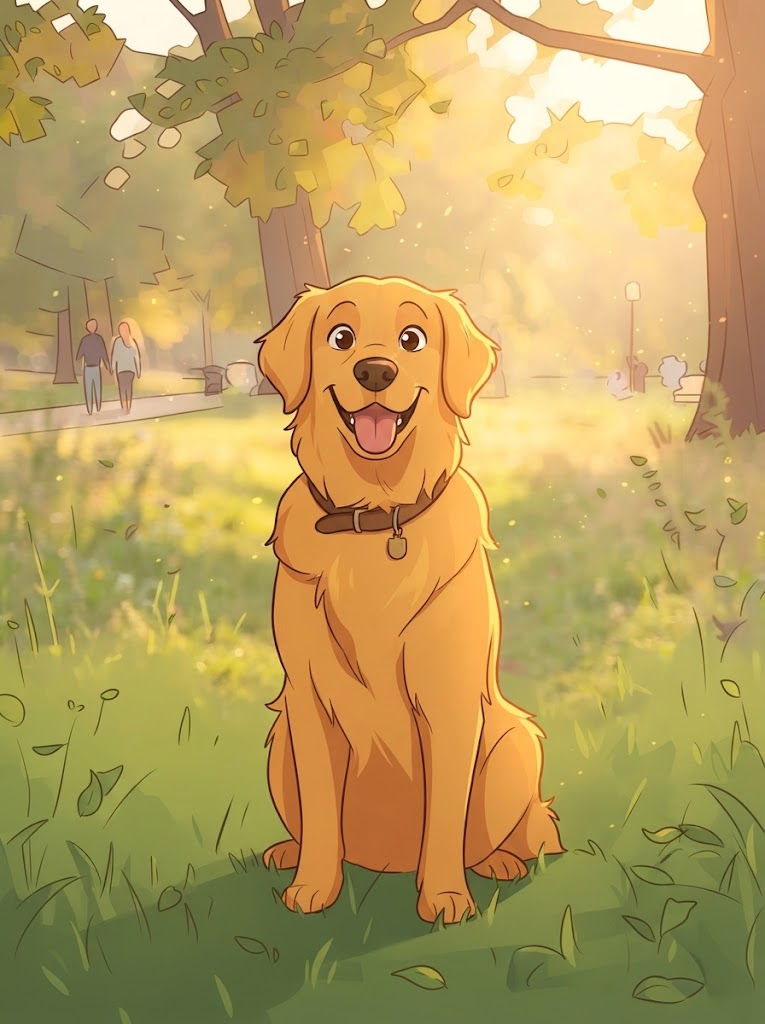
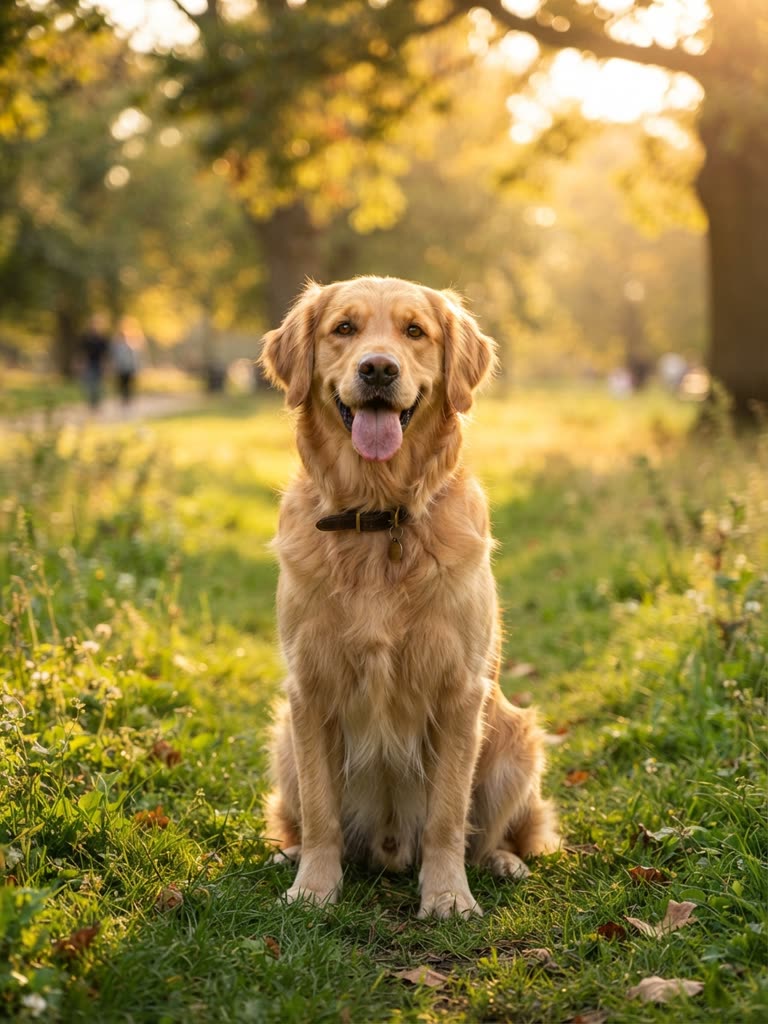
Drag to compare
How to generate cartoon images from a text prompt
In a text-to-image generator, a good cartoon prompt names five things:
- Subject: who or what, with one signature detail ("a wise old owl wearing a monocle").
- Style: the cartoon look ("Pixar-style 3D", "anime", "flat vector illustration").
- Colors: a palette or a dominant tone ("pastel", "warm sunset tones").
- Mood and light: "cozy candlelight", "bright and energetic".
- Composition: framing and background ("close-up portrait", "wide shot of a floating island").
Generate, review, then change one thing at a time; the best results usually take two or three tries. Prompts for a moving cartoon work differently (one character, one action, one place), and the text to cartoon prompt guide covers those.
AI cartoon image styles
| Style | Best for | Prompt keywords |
|---|---|---|
| 3D animated-movie | Thumbnails, character designs, storytelling | "Pixar-style 3D, soft studio lighting, rounded shapes" |
| Anime / manga | Character art, action scenes | "anime style, manga art, cel-shaded, dynamic pose" |
| Watercolor | Children's books, calm visuals | "watercolor illustration, soft colors, paper texture" |
| Comic book | Action, superhero themes, bold visuals | "comic book style, bold outlines, halftone" |
| Chibi / kawaii | Stickers, merchandise, cute content | "chibi style, kawaii, big head, pastel colors" |
| Retro cartoon | Nostalgic content, comedy | "1990s cartoon style, retro animation, flat colors" |
The same style words work as the style note in Photo to Cartoon.
Five prompt examples to copy
- Fantasy landscape: "A magical floating island with a crystal waterfall, lush greenery and a tiny cottage, Pixar-style 3D, sunset lighting, dreamy atmosphere"
- Animal portrait: "A wise old owl wearing a monocle and top hat, sitting on a stack of books, Victorian cartoon style, warm candlelight, cozy library background"
- Space scene: "A group of cute cartoon aliens having a picnic on the moon, Earth visible in the background, colorful and whimsical, Pixar-style 3D"
- Food illustration: "A smiling cartoon pizza slice skateboarding through a colorful city, fun and energetic, flat vector illustration style, bright colors"
- Anime character: "A determined teenage warrior with flowing silver hair and a glowing sword, standing on a cliff overlooking a mystical valley, anime art style, dramatic lighting"
Paste one into a text-to-image generator for a still. Typed into GenCartoon's cartoon maker, the same description becomes a short animated clip with sound instead. For portraits and expressions, the guide to creating cartoon faces in AI has face-specific prompt patterns.
What to use AI cartoon images for
- Profile pictures and avatars: a cartoon of your photo is recognizably you without being a photo.
- Thumbnails and social posts: a bold cartoon reads well at small sizes.
- Merchandise: stickers, mugs and t-shirts through print-on-demand; design original cartoon characters rather than copying existing ones.
- Blogs and presentations: article illustrations and featured images.
- Game prototypes: placeholder characters and backgrounds.
- Cards and gifts: a family photo redrawn as a storybook illustration.
From a cartoon image to a cartoon video
A cartoon image is a still. On a paid plan, GenCartoon's Studio can make it move: a character based on your photo or your description is drawn once as a reference sheet, and every scene is painted from that sheet and then animated, so the same face appears in every shot. Without a plan, describe the image in the cartoon maker and you can make a free 4-second animated cartoon.
FAQ
How do I generate AI cartoon images for free?
Start from a photo: GenCartoon's Photo to Cartoon gives you one free conversion with a free account and no card. Upload a JPG, PNG or WebP up to 10 MB, add an optional style note, and download the cartoon image. For images from text alone, use a text-to-image generator with the style keywords above.
Can AI turn my photo into a cartoon image?
Yes. A photo-to-cartoon converter redraws the photo as a cartoon and keeps the face, pose and background. On GenCartoon the default look is vibrant 2D with bold outlines and flat colors, and a style note such as "Pixar-style 3D", "anime" or "comic book" changes it. The first conversion is free.
Does GenCartoon make cartoon images or videos?
Both, from different tools. Photo to Cartoon makes cartoon images from photos, and on paid plans the Studio draws character reference sheets from a description. The cartoon maker makes short animated clips with sound: a free 4-second cartoon to start, or 4–8 seconds in HD 720p on paid plans.
What should an AI cartoon image prompt include?
A subject with one signature detail, a named style, a color palette, the mood or light, and the composition. For example: "a wise old owl in a monocle, Pixar-style 3D, warm candlelight, cozy library, close-up." Change one element at a time between tries; two or three tries usually get you there.
GenCartoon Team
GenCartoon Team makes AI cartoons and writes about characters, scenes and animation workflows.
Make your own cartoon
Describe an idea in one sentence and watch it animate: a free 4-second cartoon to start, no card needed. Paid plans make clips of up to 8 seconds in HD 720p, without the watermark.
Cartoonize my photo freeRelated guides
How to Do the AI Cartoon Trend: Photo, Face Reveal & More
How to do the AI cartoon trend: turn your photo into a cartoon, then post a before-and-after or a face reveal, plus couple, pet and family versions to try.
ReadTurn Yourself into a Cartoon: Face, Selfie or Friends (2026)
Turn yourself into a cartoon from a selfie or a one-line description: the steps, group photos, the cartoon face reveal, face ideas and consent tips.
ReadAI Cartoon Maker for Kids: A Parent and Teacher Guide
How parents and teachers make cartoons for and with kids using AI: kid-safe prompts, bedtime stories as cartoons, classroom ideas and the 13+ account rule.
Read