AI Image to Cartoon Generator — Turn Any Image into a Cartoon, Free (2026)
Turn any image into a cartoon with AI: how an image to cartoon generator works, style prompts that hold, real before/after sliders, and how to animate the result afterwards.
An AI image to cartoon generator takes a picture and redraws it as a cartoon: same composition, same subject, new medium. On GenCartoon that is the Image to Cartoon tool, it works on photos of people, pets, products and places, and your first cartoon image is free. This guide explains what happens to the image, how to steer the style, and what to do with the cartoon once you have it.
What an image to cartoon generator actually does
It is not a filter. A filter adjusts pixels that already exist: edges, colors, contrast. An image to cartoon ai generator looks at the picture, understands what is in it, a woman with curly hair and round glasses on a balcony, and then draws that scene again in the style you name. Proportions get simplified, textures disappear, lines and flat color take over, and the things that make the subject recognizable, the silhouette, the hair, the glasses, are kept because they are what a cartoonist would keep.
That is also why results vary with the source image. A clear subject on a calm background gives the model a clear brief. A cluttered, dim, or heavily filtered image gives it guesswork.
Turn an image into a cartoon in four steps
- Pick a clean image. Subject large in the frame, good light, no motion blur. Crop tighter if the subject is small.
- Upload it to Image to Cartoon. JPG or PNG, straight from your camera roll.
- Choose a style — Pixar-style 3D, Saturday-morning cartoon, anime, comic-book ink, watercolor storybook — or write your own note ("flat vector cartoon, thick outlines, pastel palette").
- Generate, check the anchors, repeat if needed. If it dropped the glasses or changed the hair color, say so in the note: "keep the round glasses and the grey streak". Specific notes fix most misses on the second run.
Style prompts that survive the conversion
An image to cartoon ai prompt is a style note plus anchors. Useful patterns:
- Pixar-style 3D cartoon, soft studio lighting, keep the freckles and the red beanie — most structure kept, safest for likeness.
- Classic 2D Saturday-morning cartoon, thick black outlines, flat colors — simplifies faces heavily; the likeness rides on hair and accessories.
- Comic-book ink with halftone shading — strong on adults and dramatic photos.
- Watercolor storybook illustration, soft edges — best for pets, kids and landscapes.
- Anime style, large expressive eyes — good for portraits, weak on group shots.
The how to create cartoon faces in AI guide has more face-specific patterns, and the ideas generator has fifty prompts if you want to go beyond portraits.
Real before and after
Drag the handle. Each pair is a real conversion, not a mock-up.
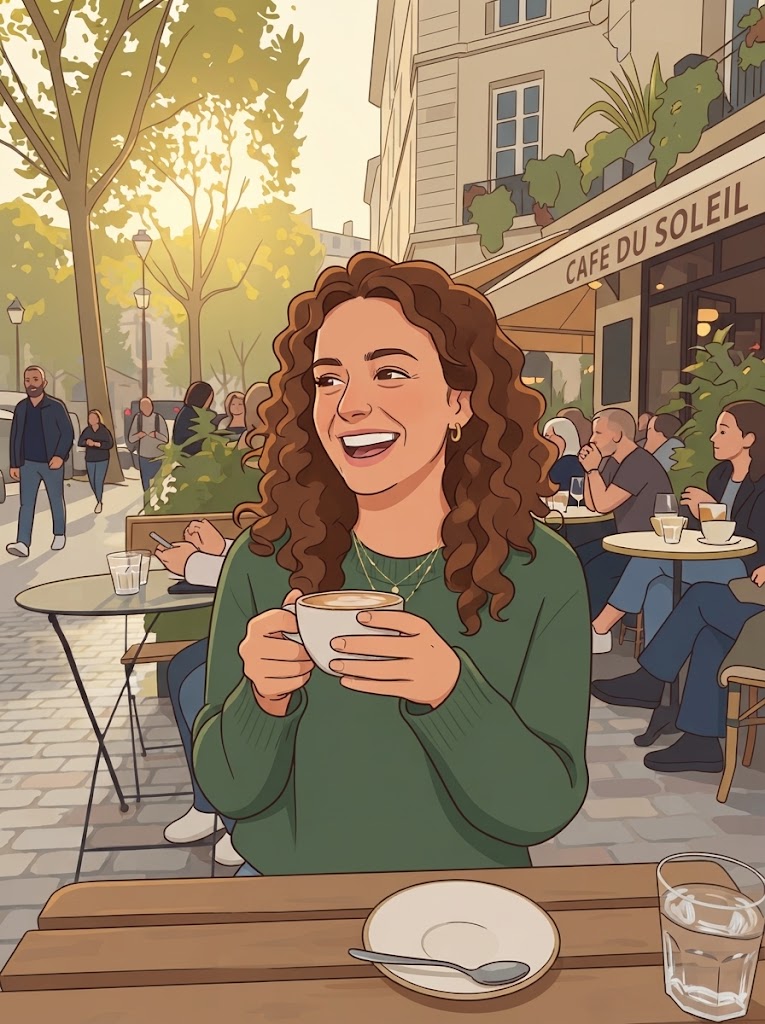
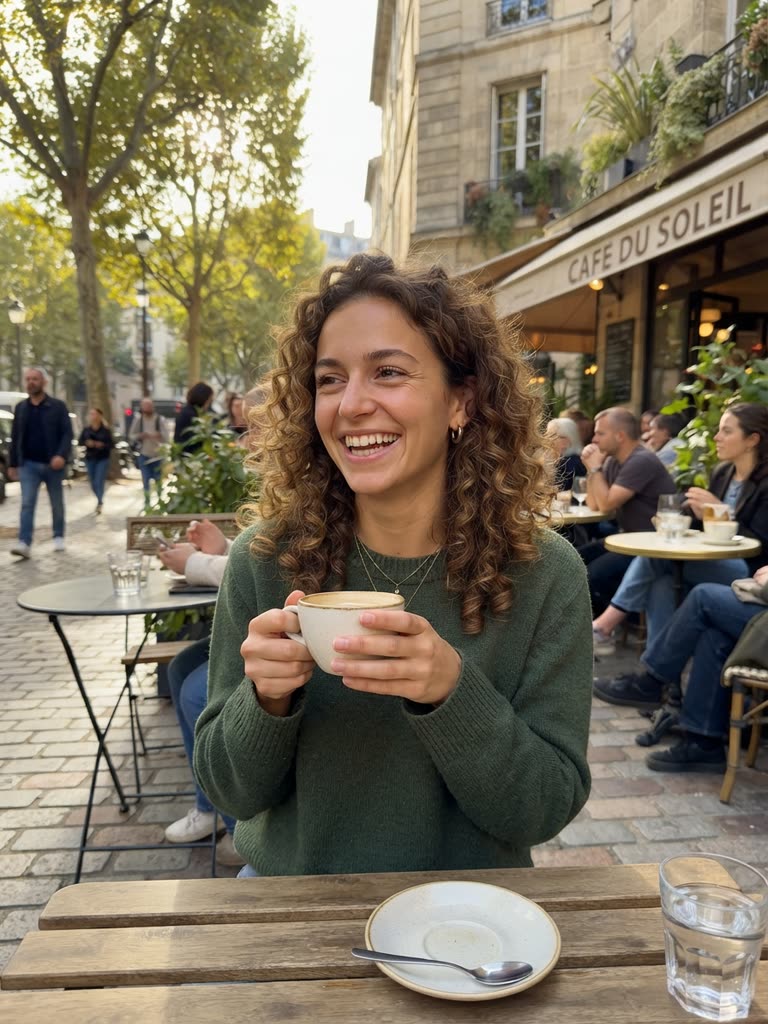
Drag to compare
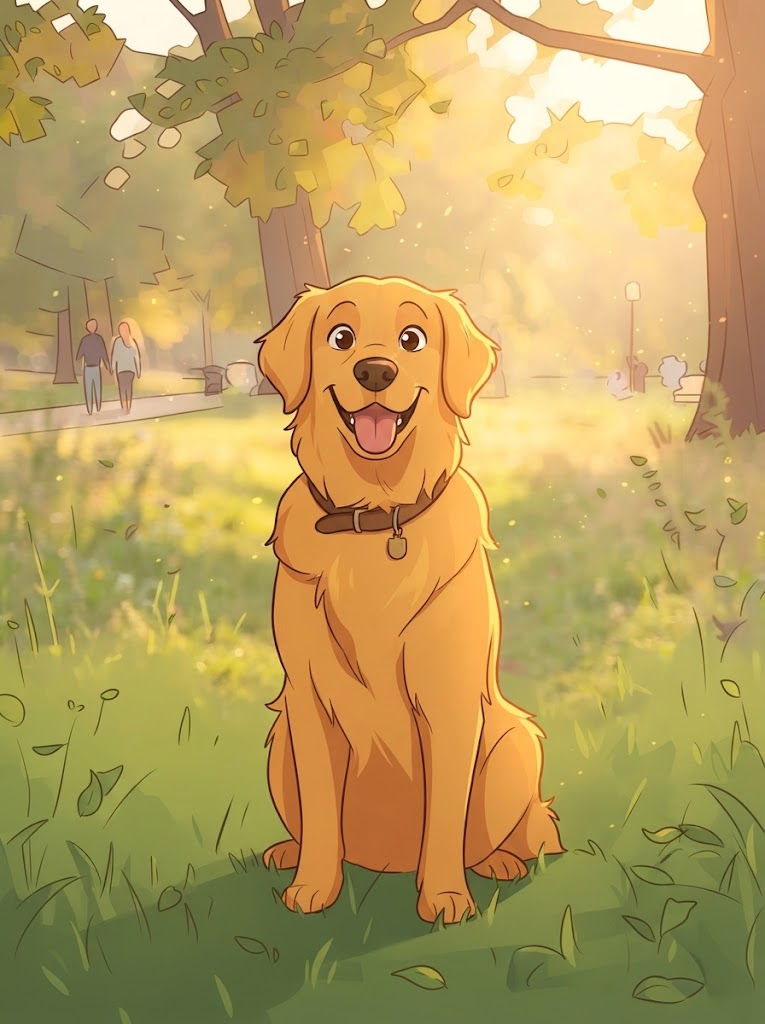
Drag to compare
Notice what survived: silhouette, hair shape, glasses, expression. Notice what was simplified: skin texture, background detail, small folds in clothing. That trade is the whole art form.
Not only faces: products, pets, places
People search "convert picture to cartoon" for portraits, but the same tool is at its most useful on other subjects:
- Products. A cartoon version of a product photo makes an explainer thumbnail that does not look like an ad. Keep the label readable by asking for "clean legible label".
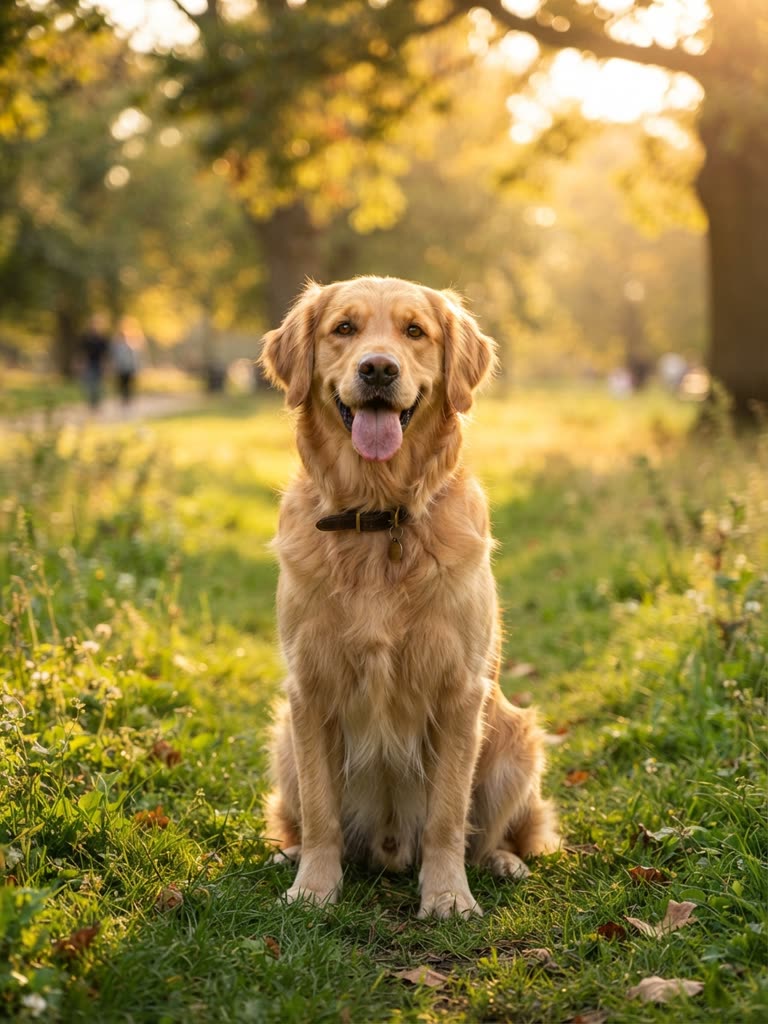
- Pets. Fur becomes shape. Watercolor and Pixar styles are kindest to animals.
- Places. A photo of your street as a storybook illustration is a strong opening frame for a video about your neighbourhood.
- Old photos. Scanned family pictures cartoonize well and are a favourite for birthdays.
From a cartoon image to a cartoon video
The cartoon still is a starting point. Describe what you see in the result and feed that description into Create Cartoon as a text prompt: Pixar-style 3D, a woman with curly red hair and round glasses laughs and waves from a sunny balcony, slow push-in. You get a 4-second animated clip of that character. Chain several and you have a video; the step-by-step method covers the prompt formula, and for anything with recurring scenes the Studio keeps the character on-model.
What free really covers
Your first cartoon image is free. After that, Image to Cartoon is part of Pro ($29.99 a month or the €99-a-year deal), where each image costs a few credits. Searches for "ai cartoon image generator free no sign up no limit" describe something that does not exist anywhere at real quality, because every image costs computing to render; the honest version is a free first image and a fair price after that.
Related searches
People reach this guide by searching for:
- ai image to cartoon generator
- image to cartoon ai generator
- ai image to cartoon
- image to cartoon free
- turn images to cartoon
- ai cartoon generator from image
- ai image to cartoon generator free
- image to cartoon converter
- image to cartoon ai
- turn an image into a cartoon
- ai image cartoon generator
- cartoon image generator free
- cartoon ai image generator
- ai cartoon image generator free
- ai cartoon image generator free no sign up no limit
- free ai cartoon image generator
- ai image generator cartoon
- how to make ai cartoon pictures
- how to create ai cartoon images
- ai pic to cartoon
- convert picture to cartoon
- cartoon generator from picture
- create a cartoon from a picture
- turn my picture into a cartoon
- turn your picture into a cartoon
- convert picture to cartoon online free
- image to cartoon ai prompt
FAQ
How do I make AI cartoon pictures from my own photos? Upload the photo to Image to Cartoon, pick a style, generate. Add anchors to the style note if the first result drops a feature you care about.
Will it work on a low-resolution image? It will, but the result inherits the ambiguity. Crop tighter and prefer well-lit originals; the model can only keep what it can see.
Can I convert a picture to a cartoon online free without an account? The first cartoon image is free, but it is saved to an account so you can find it again. Google sign-in takes one click.
Does the cartoon keep my face recognizable? Pixar-style 3D and comic-book styles keep the most structure. Anime and flat 2D simplify faces, so the likeness relies on hair and accessories; name them in the note.
GenCartoon Team
GenCartoon Team makes AI cartoons and writes about characters, scenes and animation workflows.
Make your own cartoon
Describe an idea in one line and watch it animate. Your first one is free.
Create your cartoonKeep reading
Turn Yourself into a Cartoon: Face, Selfie or Friends (2026)
Turn yourself into a cartoon from a selfie or a one-line description, free. Group photos, the cartoon face reveal format, random face ideas, and consent tips.
ReadAI Animated Movies — How to Make an Animated Movie with AI (2026)
Learn how to make AI animated movies: plan acts, lock a consistent cast with character sheets, generate single-shot scenes, and assemble a short film.
ReadHow to Make Cartoon Videos Using AI (Step by Step, 2026)
The complete step-by-step method to make cartoon videos using AI: write the idea, shape the prompt, generate a clip in a minute, then chain scenes into a longer video.
Read