
How to Design a Cartoon Character for Free With AI
How to design a cartoon character for free with AI: silhouette, three-color palette, signature prop, expressions, a description template and a free test.
To design a cartoon character for free with AI, make three decisions before you type anything: a silhouette that reads at thumbnail size, a palette of three colors and one signature prop. Add a personality you can see, write it all into a short description, and test that description in a free 4-second cartoon. You do not need to draw.
GenCartoon's cartoon character creator turns a finished description into a reusable character; this guide covers the design work that comes first. Stuck on a first idea? The free random cartoon character generator rolls one in a click, with no account. Everything up to the test cartoon is free, and locking the design in a reference sheet needs a paid plan.
Start with a silhouette that reads at thumbnail size
Fill your character in solid black. If you can still tell who it is, the shape works. Good cartoon characters are recognizable as a shadow, which matters on a phone, where most short cartoons are watched.
- One big shape, one small shape. A round body with small ears; a long body with a tiny head.
- Say the shape in words. "Pear-shaped", "tall and thin", "big head, short legs". The AI cannot see the sketch in your head, but it can follow shape words.
- Make features big. Thin antennae and freckle patterns can blur away in a small 480p clip; big ears, hats and tails survive.
Pick a three-color palette
Two main colors and an accent: teal and cream with an orange scarf. Three colors read as a character; ten read as noise, and the AI starts reshuffling them between shots. Put the main color on most of the body, the second on the face or belly so expressions stand out, and save the accent for the prop. Use plain color names, such as "mustard yellow" or "navy blue", and the same words every time.
Give them one signature prop
A dented lunchbox, mismatched socks, a monocle: one object that appears in every scene and that nobody else in the cast has. It keeps the character recognizable when the pose, angle and lighting change, and it gives the AI an easy detail to repeat. One prop, not five: several accessories compete, and some will go missing.
Turn personality into expressions and poses
"Brave" is a word; a puffed-out chest and a wide stance are a drawing. Pick two traits that pull against each other, such as brave but clumsy or grumpy but kind, and write down how they show:
- Resting face: a calm half-smile, or a worried frown.
- Happy: a huge grin, ears up, a little hop.
- Scared: hides behind the prop, ears flat, freezes mid-step.
- Signature move: one gesture only this character makes, like polishing the monocle.
These notes become the actions in your test clip and, later, in scenes. For eyes, brows and mouths in detail, see how to create cartoon faces in AI.
Write the character description
Put everything into one short block you can copy and paste. Fill in the brackets:
[Name], a [size/age] [species or type]: [body shape] with [one big feature].
Colors: [main color] [body], [second color] [face or belly], [accent color] [prop].
Signature prop: [one object, always visible].
Personality: [trait] but [opposite trait]; resting face: [expression].
Style: [one style line, e.g. flat 2D cartoon, bold clean outlines].
A filled-in example:
Juniper, a tall heron who runs a night bakery: long legs, long neck, small round head.
Colors: slate-blue feathers, cream apron, mustard-yellow oven mitt.
Signature prop: one mustard-yellow oven mitt, always on one wing.
Personality: precise but secretly clumsy; resting face: a calm half-smile.
Style: flat 2D cartoon, bold clean outlines, simple background.
Keep it short, because every later prompt reuses this block word for word. That habit is what keeps a character the same from clip to clip.
Stuck for a starting point? The free cartoon idea generator needs no account: it rolls a character, setting, goal and twist, and you lock what you like and reroll the rest. Or borrow a seed: a fearless grandmother with a rolling pin, an anxious vending machine in a tiny hat, a suspicious raccoon in a trench coat.
Test it free in a 4-second cartoon
Every GenCartoon account can make a free cartoon: a 4-second vertical clip at 480p with AI-generated sound and a small watermark, usually ready in about a minute. Paste your description into the cartoon maker and add one simple action, ideally the signature move: Juniper slides a tray of bread out of the oven and nearly drops it.
Watch it on your phone. Can you read the silhouette at a glance? Did the colors and the prop show up? Does the action fit the personality? Finish the description first and change one thing at a time between tests.
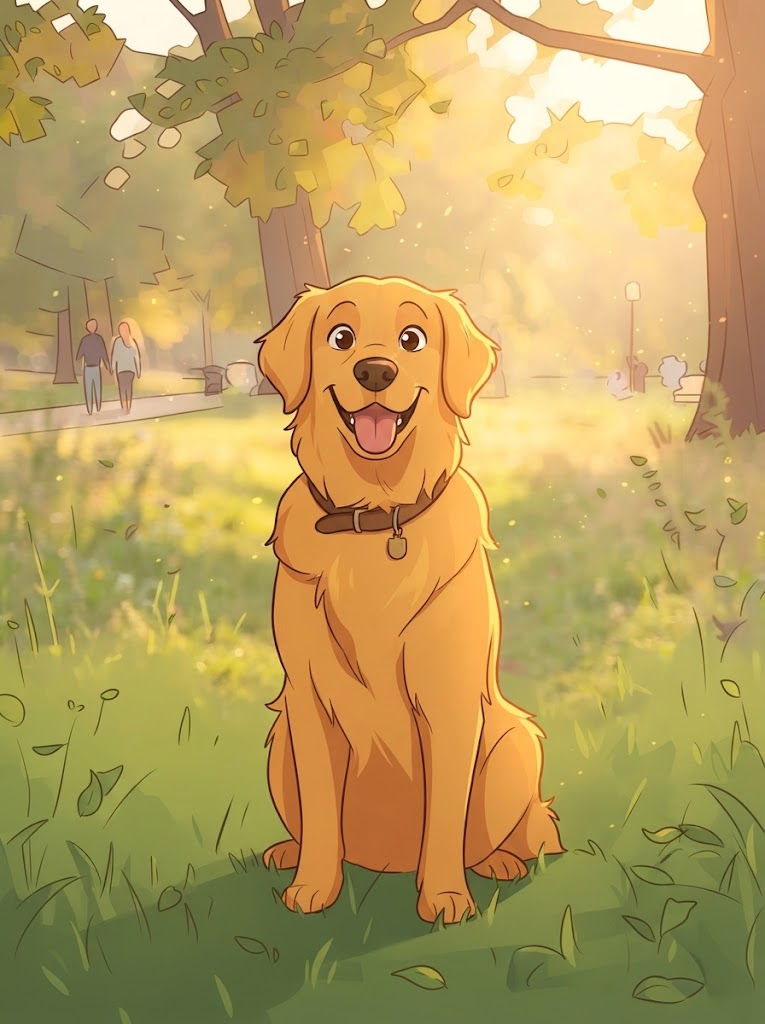
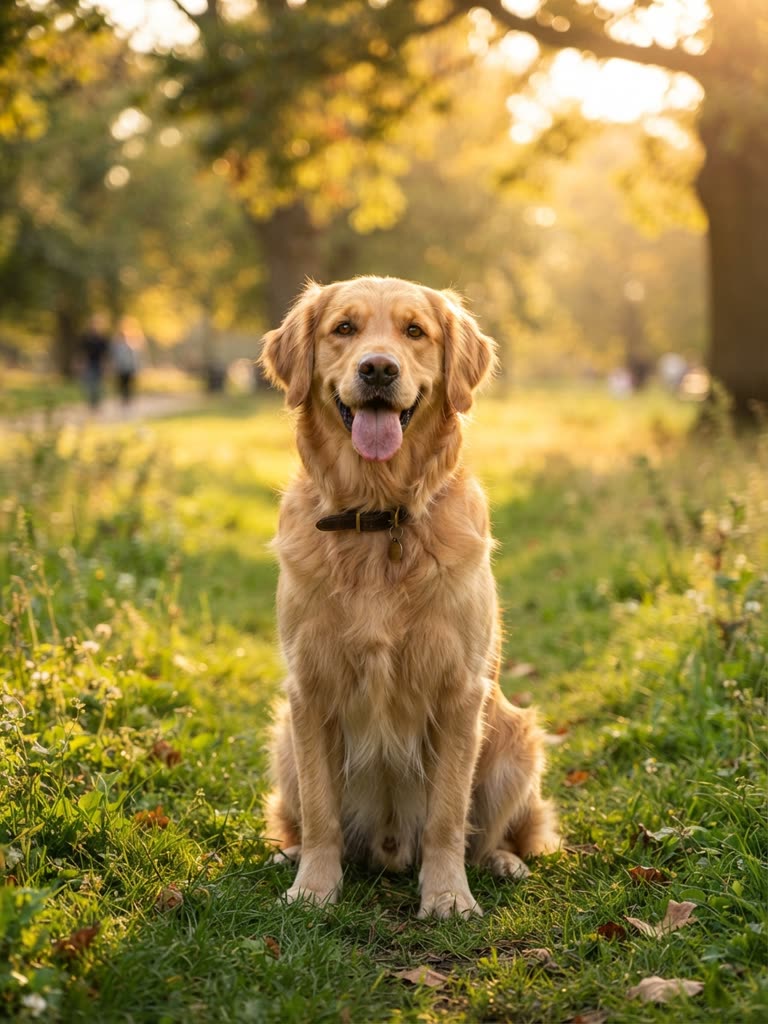
Starting from a real face or a pet instead? The photo to cartoon converter turns a selfie or pet photo into a cartoon image, and your first conversion is free. Describe the result in words and reuse that description.
Drag to compare
Lock it with a reference sheet (paid)
One good clip is not yet a reusable character. For that, GenCartoon draws a reference sheet: one image of the same character from the front, three-quarter and side, on a plain background, with no text. In the Studio, the sheet is attached to every scene the character appears in, which is why the face, outfit and proportions hold.
Drawing a sheet and saving the character to your library need a paid plan: All in One is $29.99 a month or $99 a year, with cheaper plans in some countries (see pricing). On a paid plan, a character can also be based on an uploaded photo; the sheet keeps the likeness. To change the design later, change one detail and redraw the sheet rather than describing the change scene by scene.
The guide to consistent AI cartoon characters covers the rest of the technique. Once the sheet exists, the character is ready to lead an AI cartoon series.
Common mistakes
- Too many colors. Past three main colors, the AI starts swapping them between shots.
- Paraphrasing the description. "Red scarf" in one prompt and "crimson neckerchief" in the next reads as two different characters. Copy and paste.
- A borrowed character. A copy of a famous character is not yours to use. Design your own.
- Text on the character. Names on shirts and logos come out garbled; use a color or a shape instead.
FAQ
Can I create my own cartoon character for free?
Yes, the design and a first test are free. Write the description, try it in a free 4-second cartoon, and use the free idea generator and your first photo-to-cartoon conversion. Drawing a reference sheet and saving the character to a library need a paid plan.
Do I need to know how to draw?
No. You describe the silhouette, colors, prop and personality in words, and the AI does the drawing. A quick doodle on paper can help you settle the shape, but nothing has to be drawn by hand; the written description does the work.
Should my cartoon character be 2D or 3D?
Either works: decide once and name it in the style line, such as "flat 2D cartoon, bold clean outlines" or "3D animated-movie style". Keep that line identical everywhere. You get images and video clips of the character, not a rigged 3D model to export.
Can I make a cartoon character of myself?
Yes. Upload a selfie to Photo to Cartoon to see your cartoon look; your first conversion is free. On a paid plan, a Studio character can be based on your photo and its reference sheet keeps the likeness. The turn yourself into a cartoon guide covers selfies and likeness.
Can I use my cartoon character commercially?
Yes. Cartoons you make with GenCartoon are yours to post and monetize on YouTube, TikTok, Instagram and elsewhere; free ones carry a small watermark and paid ones do not. Keep the character original rather than a copy of someone else's, and read the terms for details.
GenCartoon Team
GenCartoon Team makes AI cartoons and writes about characters, scenes and animation workflows.
Make your own cartoon
Describe an idea in one sentence and watch it animate: a free 4-second cartoon to start, no card needed. Paid plans make clips of up to 8 seconds in HD 720p, without the watermark.
Create my character freeRelated guides
AI Cartoons for Business: Mascots, Explainers & Ads (2026)
How to use AI cartoons for business: a brand mascot that stays on-model, short explainers and ads, editorial cartoons, a weekly series, rights and costs.
ReadAI Cartoon Show Generator: Create Your Own Cartoon Show
How to use an AI cartoon show generator: a premise, a cast, a format you can repeat, a random show idea table, and characters that stay on-model.
ReadAI Cartoon Fruits: Fruit Characters & Prompts (2026)
How to make AI cartoon fruits: design a fruit character, write a one-shot prompt that animates, then grow it into a fruit drama. 16 prompts to copy.
Read