
Can AI Create Cartoon Videos? Yes — Here's How (2026)
Can AI create cartoon videos? Yes. How text-to-video cartoon models work, what they do well today, where they still fail, and how to make one free.
Can AI create cartoon videos? Yes. Type a sentence like a fox in a raincoat waits for a bus in the rain, 2D cartoon style into an AI cartoon video generator and roughly a minute later you have a moving cartoon clip with sound that nobody drew. That is not a demo reel; it is how GenCartoon works for anyone, and you can start free.
The more useful questions are what "AI" means here, what it is good at right now, and where it will let you down. This guide answers those without the marketing gloss.
The direct answer
If you searched "can i use ai to make a cartoon" or "is there an ai cartoon generator", the answer to both is yes, in three flavors:
- Text to cartoon video: words in, a short animated clip out, as in GenCartoon's AI animation generator. This is the one most people mean.
- Image to cartoon: a photo in, a cartoon still out. Good for turning yourself or a product into a character; see turn any photo into a cartoon.
- Multi-scene production: a cast plus a scene list in, an episode or a mini-movie out. This is the Studio in GenCartoon, covered in the AI cartoon series guide.
"Is there an ai that can draw cartoons from words" is question one, and it has been a yes since the current generation of video models arrived.
What an AI cartoon is and how it works
People also ask "what is an ai cartoon and how does it work", so here is the mechanism in plain language. (For the definition and the different kinds, see what an AI cartoon is.)
A text-to-video model has seen an enormous number of video clips paired with descriptions. From those it learned two things: what words correspond to which shapes and colors, and how things tend to move from one frame to the next. When you give it a prompt, it starts from visual noise and, step by step, removes the noise in the direction your words point, for every frame at once, while keeping frames consistent with each other. That last part, the consistency across frames, is what makes it video rather than a slideshow.
"Cartoon" is just a style region the model learned. Words like cel-shaded, 2D animation, Pixar-style or storybook watercolor steer it into that region. Leave the style out and it may drift toward photoreal, which is the single most common surprise for first-time users. This is why every good prompt begins with a style line.
So an AI cartoon is not a filter over a photo and not a library of pre-drawn characters being puppeted. It is a genuinely new drawing, in motion, produced from your description. That is why creating cartoons with AI feels different from any cartoon maker before it.
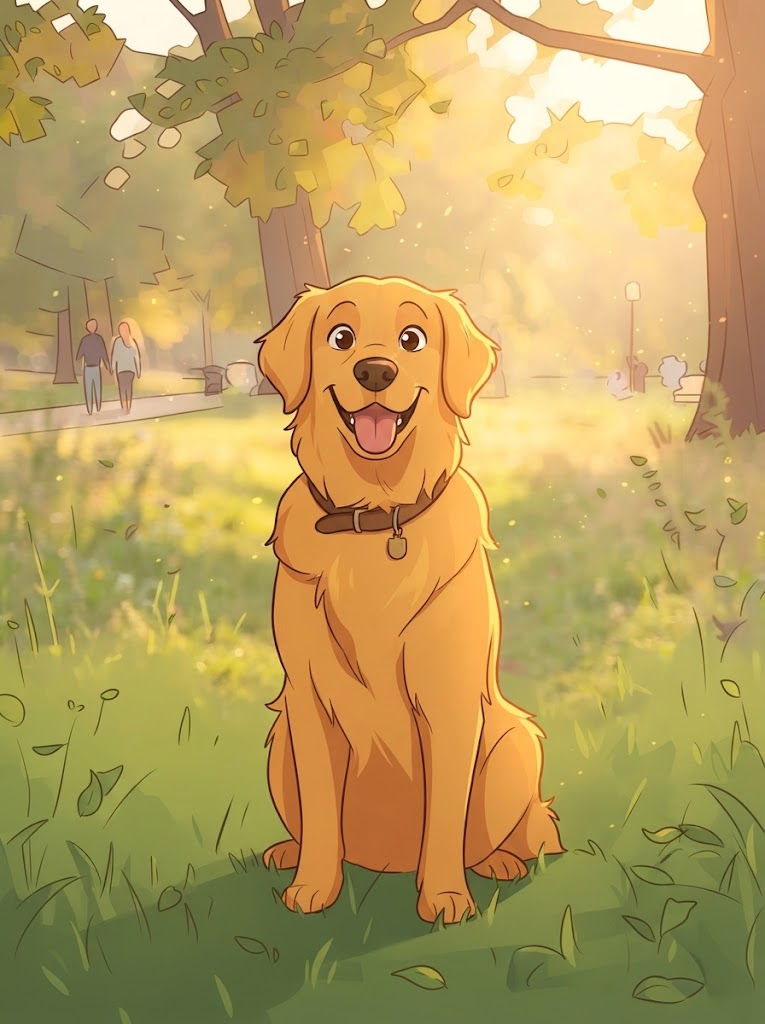
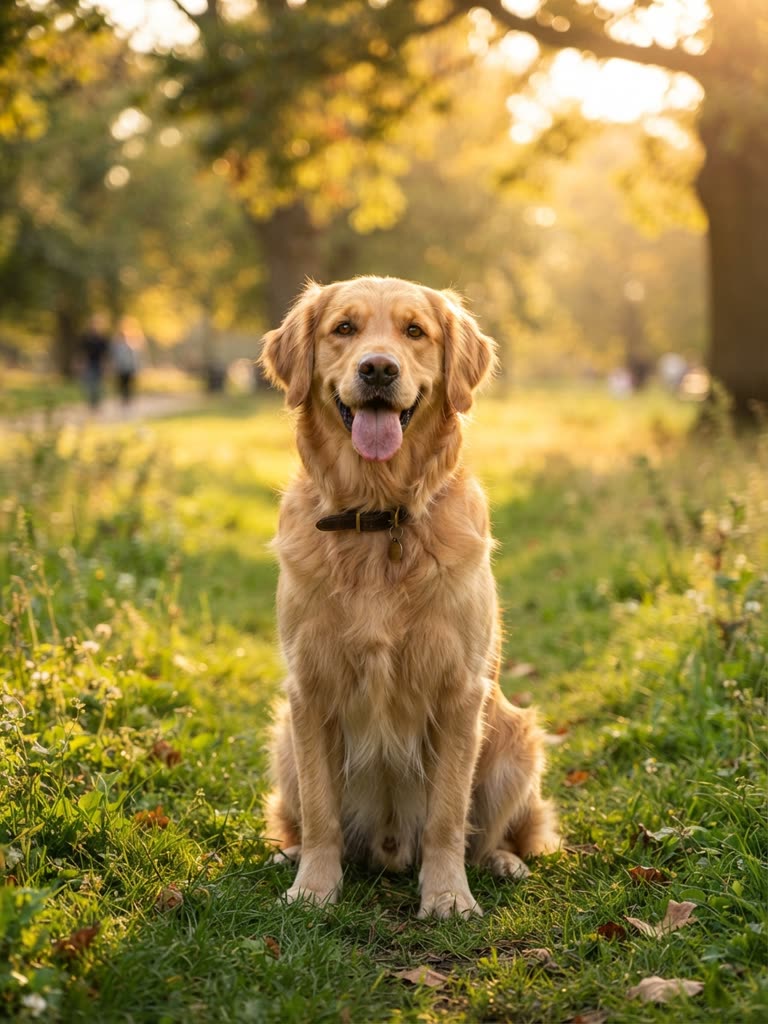
Drag to compare
The slider shows the still-image version of the same process: a photo redrawn as a cartoon. The model kept the loud features and simplified the rest, which is exactly what a human cartoonist does.
What AI does well in cartoons today
- Short clips with one clear action. Four to fifteen seconds, one character, one verb. This is the sweet spot.
- Style. Ask for a specific tradition and you will get it. The range from Saturday-morning flat colors to 3D feature-film lighting is wide.
- Mood and light. "Warm kitchen light", "neon rain", "golden hour on a rooftop" translate reliably.
- Speed. About a minute per clip. A person storyboarding a scene used to need a day.
- Iteration. Change one word, render again. That loop is where quality comes from.
Where it still fails
Honesty matters more here than anywhere else, because failed expectations are why people give up.
- Long single takes. Ask for thirty seconds in one shot and the character will morph. Chain short clips instead; how long an AI cartoon can be has the real numbers.
- Text on screen. Signs and captions come out as squiggles. Add text afterwards in an editor.
- Hands and complex interactions. Two characters shaking hands, pouring liquid precisely: hit and miss. Simplify the action.
- Exact continuity without help. Left to itself, scene six's fox is not scene one's fox. Tools that keep a character sheet, like the Studio, solve this; a plain generator does not.
- Mouths that match spoken lines. Mouth movement timed exactly to dialogue is still unreliable. In GenCartoon's Studio one character can speak a short line in each scene, but you cannot pick the voice or keep it the same between scenes; if you want a recorded voice, generate the visuals first and add the voice separately.
None of these are permanent; all of them are true today, and planning around them is what separates AI-created cartoons that look intentional from ones that look like accidents.
How to make a cartoon with AI in three moves
For anyone searching how to make a cartoon using AI, how to make cartoons with AI, or how to create a cartoon with AI, it is the same three moves:
- One sentence, one action. A grandmother superhero rescues a cat from a tree. If the sentence has two actions, it is two clips.
- Style first, anchors second. 2D cel-shaded cartoon. A grandmother superhero with a purple cape and round glasses… Anchors are what keep her recognizable.
- Generate, judge, adjust one thing. Did the character read? Did the action happen? Did the style hold? Fix the one that failed and render again.
That is the entire craft of AI cartoon making at the clip level. The step-by-step video guide expands each move; when you are ready to make an AI cartoon video longer than a clip, the Studio series guide takes over.
Words, photos or both
You can generate a cartoon from words alone, from a photo alone, or combine them: cartoonize a photo with Photo to Cartoon to discover which style suits a face, then describe that look in a text prompt to put it in motion. Most people who make cartoons with AI regularly end up doing both.
FAQ
Can you make a cartoon with AI for free?
Yes. GenCartoon lets every account make a free cartoon: a 4-second vertical clip at 480p with sound and a small watermark. All in One, at $29.99 a month or $99 a year, adds HD 720p, clips up to 8 seconds, no watermark and the Studio for series and movies.
Does the AI copy existing cartoons?
Not unless you ask it to. It learned the visual language of cartoons the way a student does, by watching thousands of them, and it generates new frames from your description. Do not ask it to reproduce a specific copyrighted character; describe your own, with its look and one signature detail.
Can AI generate a cartoon with my voice?
Not in one step. GenCartoon adds AI-generated sound to every clip, and in Studio episodes one character can speak a short line per scene, in a voice the model generates. To use your own voice, record it separately and combine it with the video in any editor; keeping audio separate also gives you more control over timing.
Why does my cartoon look realistic instead of drawn?
The style line was missing or buried. Start the prompt with the style, such as "2D cel-shaded cartoon" or "Pixar-style 3D animation", then describe the character and the action. Without a style the model drifts toward photoreal, the most common surprise for first-time users.
How long can an AI cartoon video be?
A single generated shot is short: 4 to 8 seconds on GenCartoon. Longer cartoons are assembled from scenes, and Studio 2.0 joins them into episode films of 15 seconds to 3 minutes. The long-form guide explains how.
GenCartoon Team
GenCartoon Team makes AI cartoons and writes about characters, scenes and animation workflows.
Make your own cartoon
Describe an idea in one sentence and watch it animate: a free 4-second cartoon to start, no card needed. Paid plans make clips of up to 8 seconds in HD 720p, without the watermark.
Make my cartoon freeRelated guides
AI Cartoon Generator Guide: How It Works & Best Prompts
How an AI cartoon generator turns a sentence or a photo into a cartoon video, what is really free, and the prompts and styles that get results.
ReadToon Maker: Make an AI Toon Online, Free (2026)
A toon maker that runs in your browser: type one sentence, get an animated toon with sound in about a minute. Free to start, nothing to install.
ReadText to Cartoon: 30 AI Cartoon Prompts That Work (2026)
The text-to-cartoon prompt formula plus 30 copy-paste AI cartoon prompts — animals, kids, food, fantasy, channel hooks — each one a single scene.
Read