
Benny Bunny Learns His Colours
Description
A vibrant cartoon with colours and smooth animation. Create a colourful, cheerful 3D animated video for toddlers and preschool children, approximately 45 seconds long. TITLE: Benny Bunny Learns His Colours MAIN CHARACTER: Benny is a cute little cream-coloured bunny with big brown eyes, soft fluffy fur, a blue T-shirt and a friendly smile. Keep his appearance exactly the same in every scene. STORY: Benny Bunny is playing in a beautiful sunny garden. He discovers colourful toys and learns their colours with the help of his little bird friend, Pip. SCENE 1: Show Benny hopping happily into a bright garden filled with flowers, butterflies and toys. Benny waves at the camera and says in a cheerful child's cartoon voice, "Hello, friends! Let's learn our colours!" SCENE 2: Benny finds a bright red ball. He picks it up, smiles and says, "Red! The ball is RED!" Show the word RED clearly on screen. SCENE 3: Benny discovers a yellow duck toy beside a little pond. Pip flies over and chirps happily. Benny says, "Yellow! The duck is YELLOW!" Show the word YELLOW on screen. SCENE 4: Benny finds a blue toy car and pushes it along a colourful path. He laughs and says, "Blue! My car is BLUE!" Show the word BLUE on screen. SCENE 5: Show Benny, Pip and all three colourful toys together. Benny asks, "Can you remember our colours?" Then he happily repeats, "Red, yellow and blue! Well done, everyone!" ANIMATION AND AUDIO: Use smooth, lively 3D cartoon animation, bright colours, soft lighting, expressive faces, gentle movements and appealing backgrounds. Use friendly English narration with clear pronunciation and a cheerful, natural-sounding voice. Add gentle original children's background music and playful sound effects. Make the dialogue easy for toddlers to understand. IMPORTANT REQUIREMENTS: Generate an actual animated video, not a slideshow of still images. Make the characters move, blink, smile, hop and interact with the objects. Keep Benny and Pip looking consistent throughout all scenes. Use simple language suitable for children aged 2-5. Use original characters, music and dialogue. Include no scary scenes, dangerous behaviour, logos or watermarks added by the creator. Use a vertical 9:16 format suitable for YouTube Shorts.
Made with the AI Cartoon Maker from the prompt above.
More AI cartoons
See all AI cartoons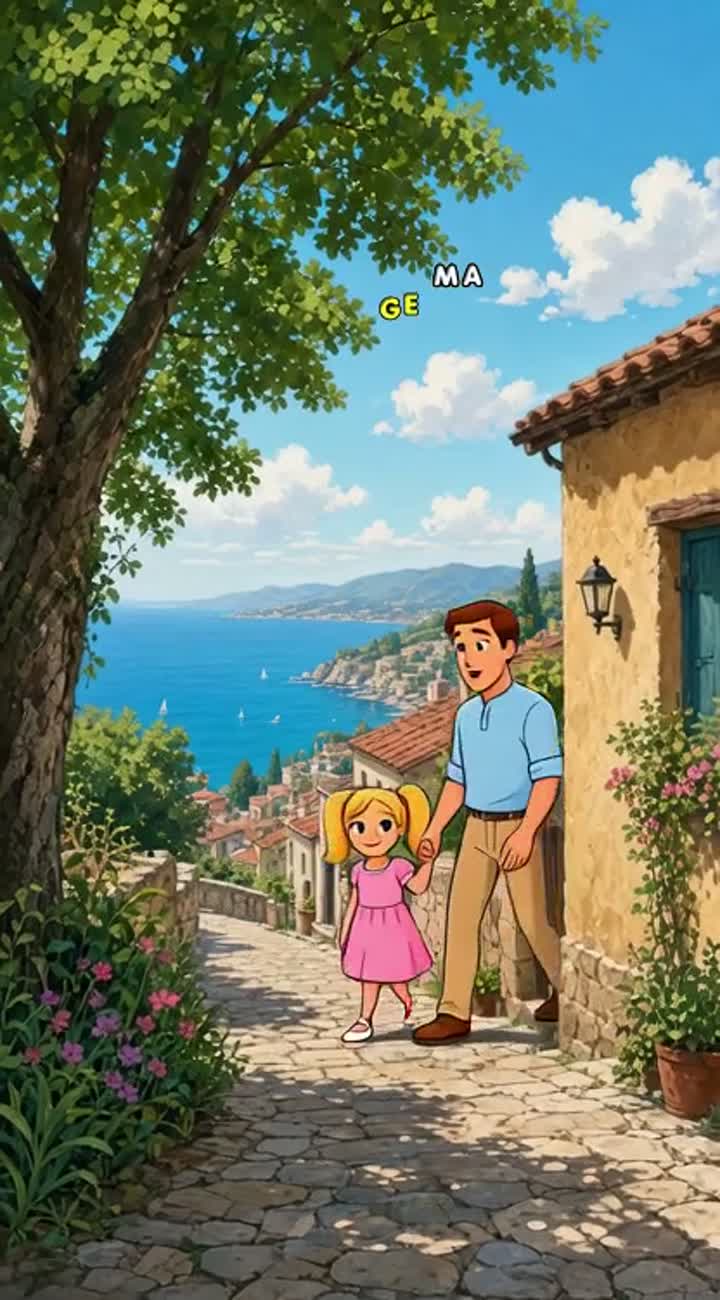
A samll child holdeing an adut male's hand growing up till…
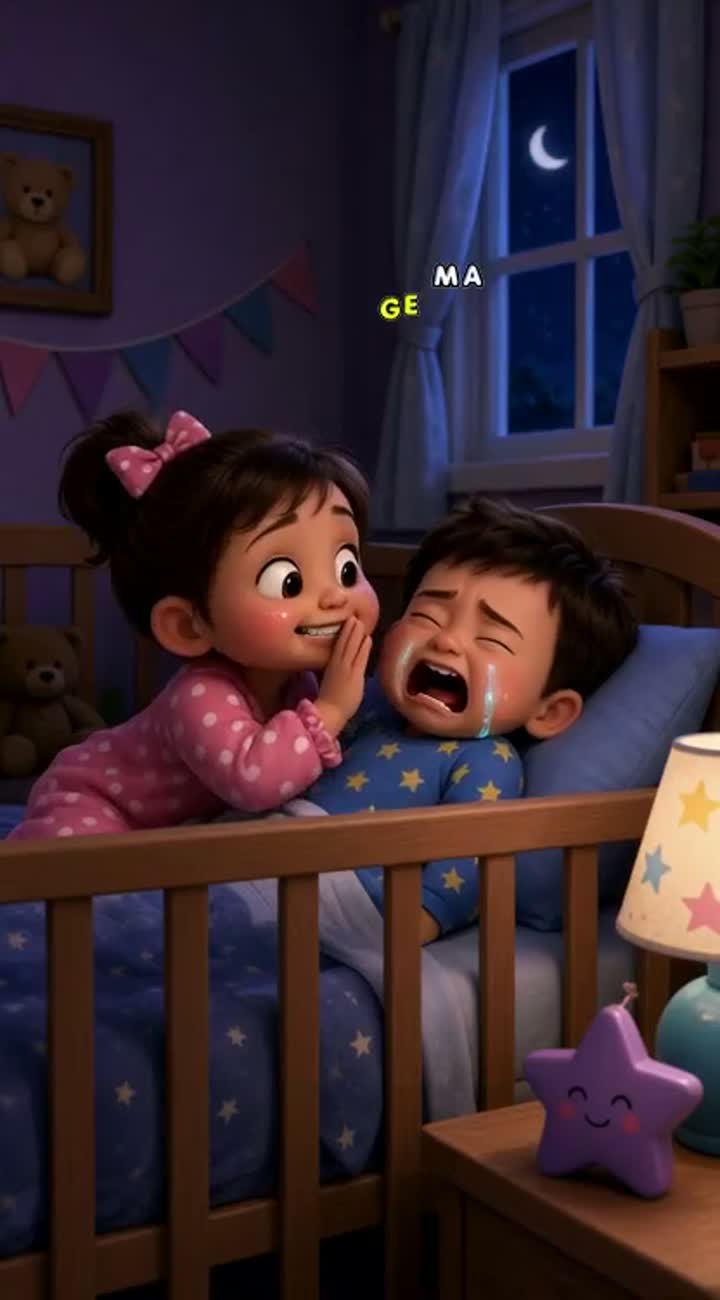
Babies Talking at 3 AM
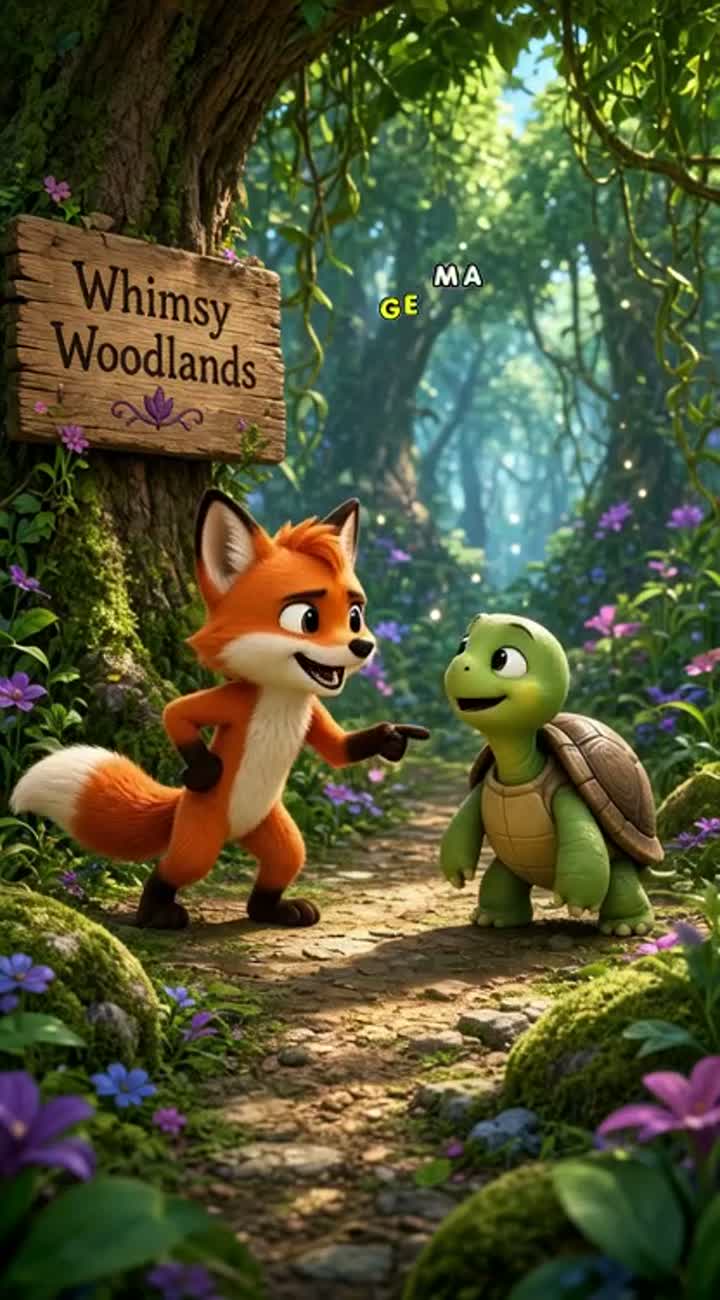
A cute orange fox named Finn challenges a small green turtle…
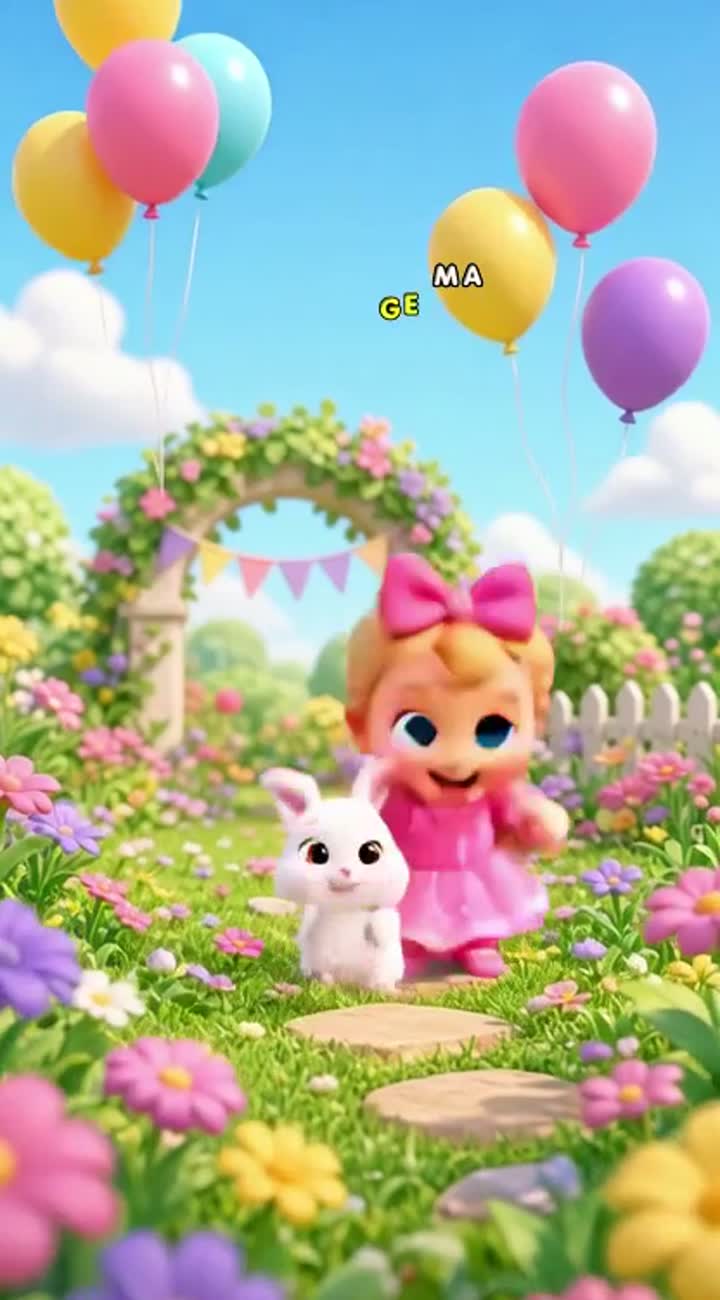
Two adorable cartoon babies and a cute little bunny dance happily…
In a lush green jungle, a small monkey named Mannu lives a very…
Same two main characters in every video clip…