
Give the scene a unique title
Description
A vibrant cartoon with colours and smooth animation. AI ANIMATED SHORTS - THE ODYSSEY Act as a professional cinematic animation director and Greek mythology storyteller. Create ONE continuous scene from Homer's The Odyssey for a high-quality 3D animated YouTube Short. VIDEO SETTINGS - Duration: 40-60 seconds. - Aspect ratio: Vertical 9:16. - Style: Cinematic 3D animation, expressive characters, epic Greek mythology, detailed environments, realistic movement, dramatic lighting, and film-quality sound. - Audience: General audience. - Story: Follow the original Odyssey in chronological order, beginning with Odysseus's journey home after the Trojan War. - Continuity: Every new short must continue naturally from the previous short, preserving character appearances, locations, clothing, injuries, objects, time of day, and story events. MAIN CHARACTER Odysseus: A clever Greek king in his late 30s, with wavy dark hair, a short beard, expressive brown eyes, an athletic build, a weathered bronze breastplate, a dark red cloak, and leather sandals. His voice is confident, intelligent, and slightly rough. Keep his appearance and voice identical in every scene. Introduce other characters with fixed names and consistent visual designs when they first appear. SCENE GENERATION RULES 1. Create only ONE scene per video, lasting 40-60 seconds. 2. Begin with an immediately interesting visual or line of dialogue in the first two seconds. 3. Tell one meaningful story moment, not a summary of several unrelated events. 4. Make every action happen in a logical sequence, with natural character reactions. 5. Use smooth, continuous movement and motivated camera transitions. Avoid random cuts, sudden location changes, teleportation, or unexplained jumps in time. 6. Include short, natural dialogue with correct speaker attribution and convincing lip synchronization. 7. Use environmental sound, background music, and sound effects that match the action. 8. Show emotions through facial expressions, gestures, and body language. 9. End with a suspenseful revelation, meaningful decision, or cliffhanger that leads naturally into the next short. 10. Do not add subtitles, watermarks, logos, or visible text unless explicitly requested. OUTPUT FORMAT Scene number and title: Give the scene a unique title. Story continuity: Briefly explain how it connects to the previous short. Visual opening: Describe the first shot. Timeline: Divide the 40-60 seconds into short time ranges, explaining exactly what happens, what each character says, and how the camera moves. Dialogue and sound: Include every spoken line, voice emotion, ambient sound, music, and sound effects. FINAL VIDEO PROMPT: Write one complete, ready-to-use prompt for an AI video generator. Include the character designs, setting, action, dialogue, camera movement, lighting, audio, ending, vertical framing, and continuity requirements in one coherent instruction. NEXT-SCENE CONNECTION: State the precise event that the next short should continue from. IMPORTANT: Generate only one scene. Prioritize fluent storytelling, natural motion, clear dialogue, and seamless continuity over excessive visual effects. Every short must feel like the next chapter of the same animated movie.
Made with the AI Cartoon Maker from the prompt above.
More AI cartoons
See all AI cartoons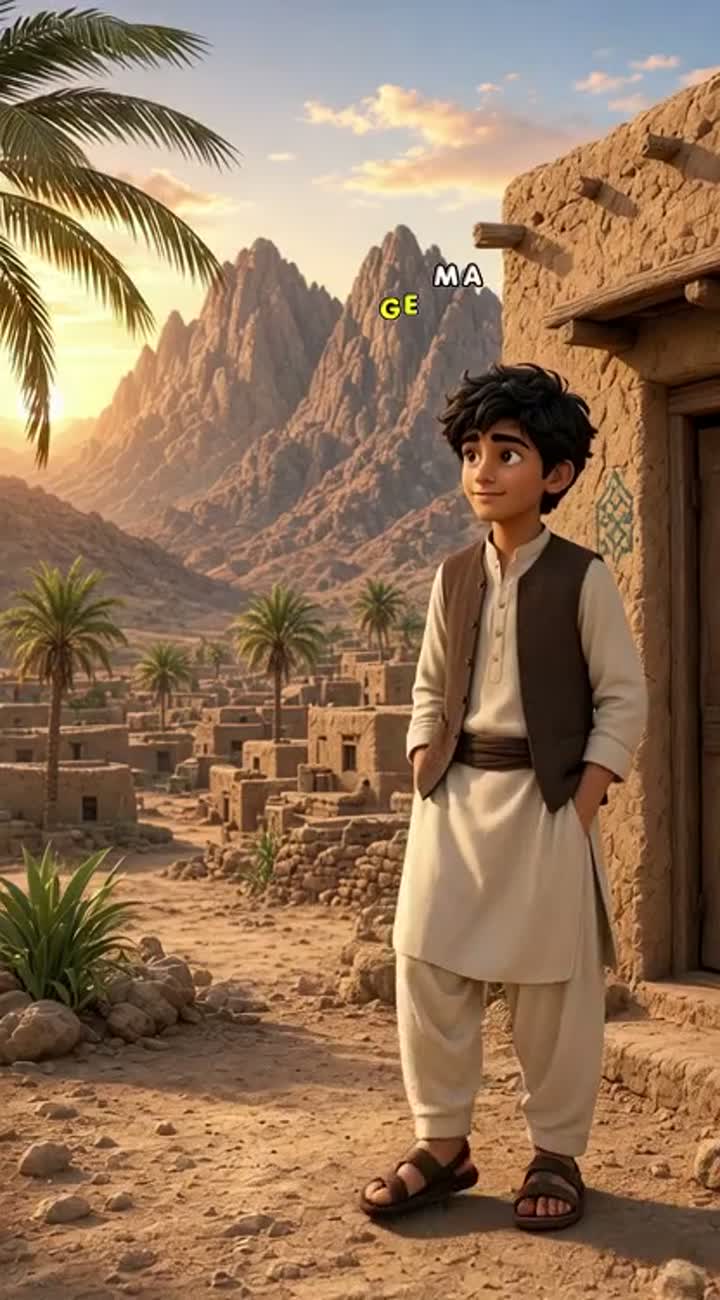
Beautiful high-quality 3D animated cartoon scene set in a small…
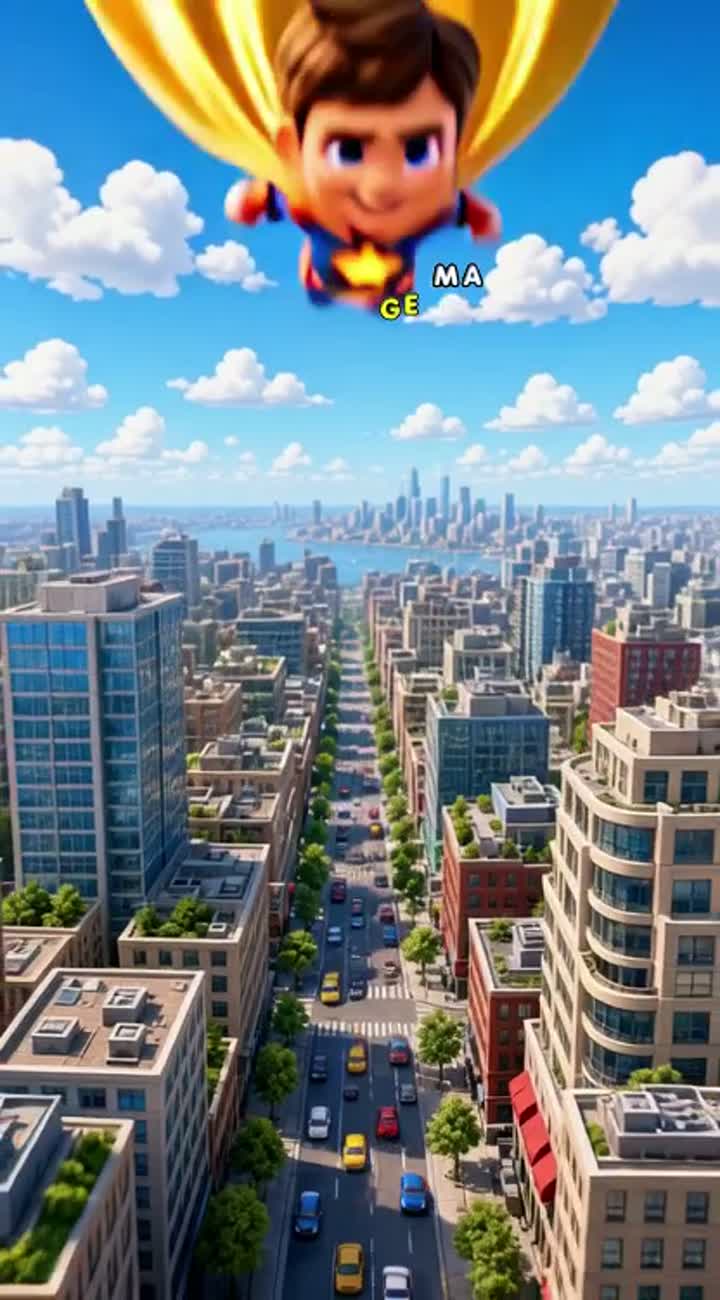
A cute young American superhero flying above a modern American…
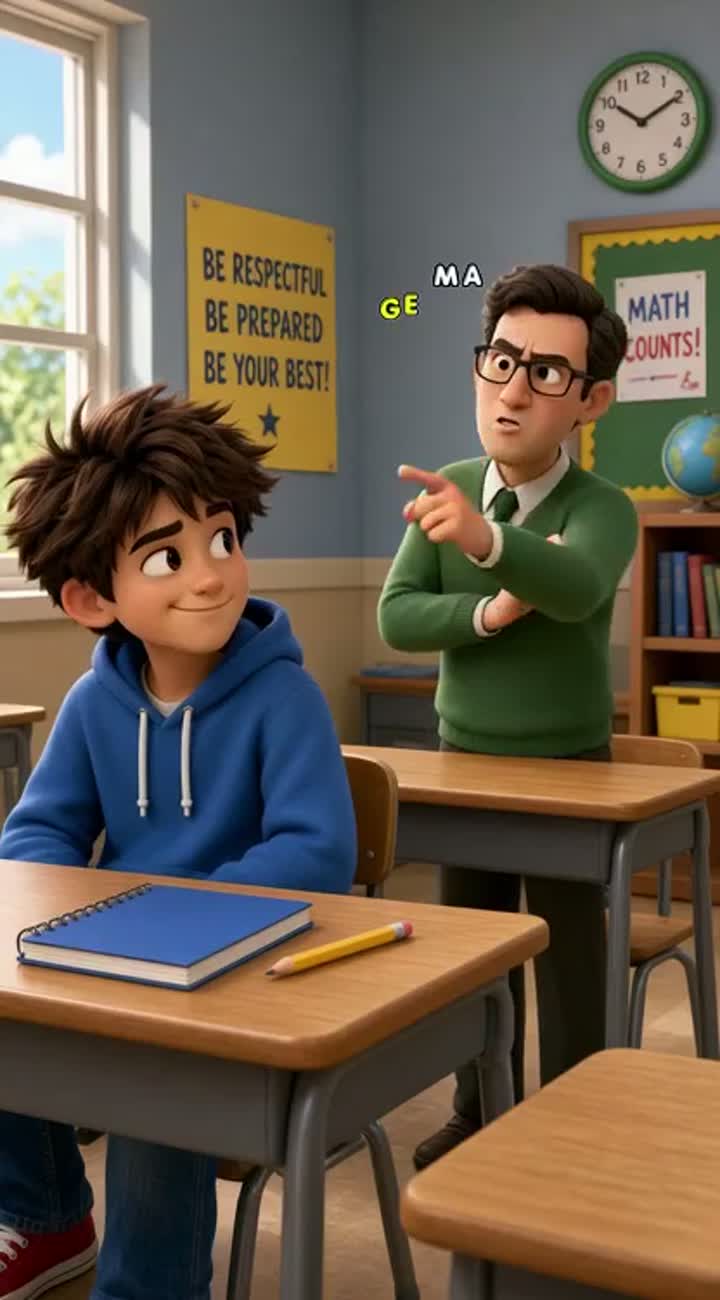
Funny 3D animated school comedy for American YouTube Shorts
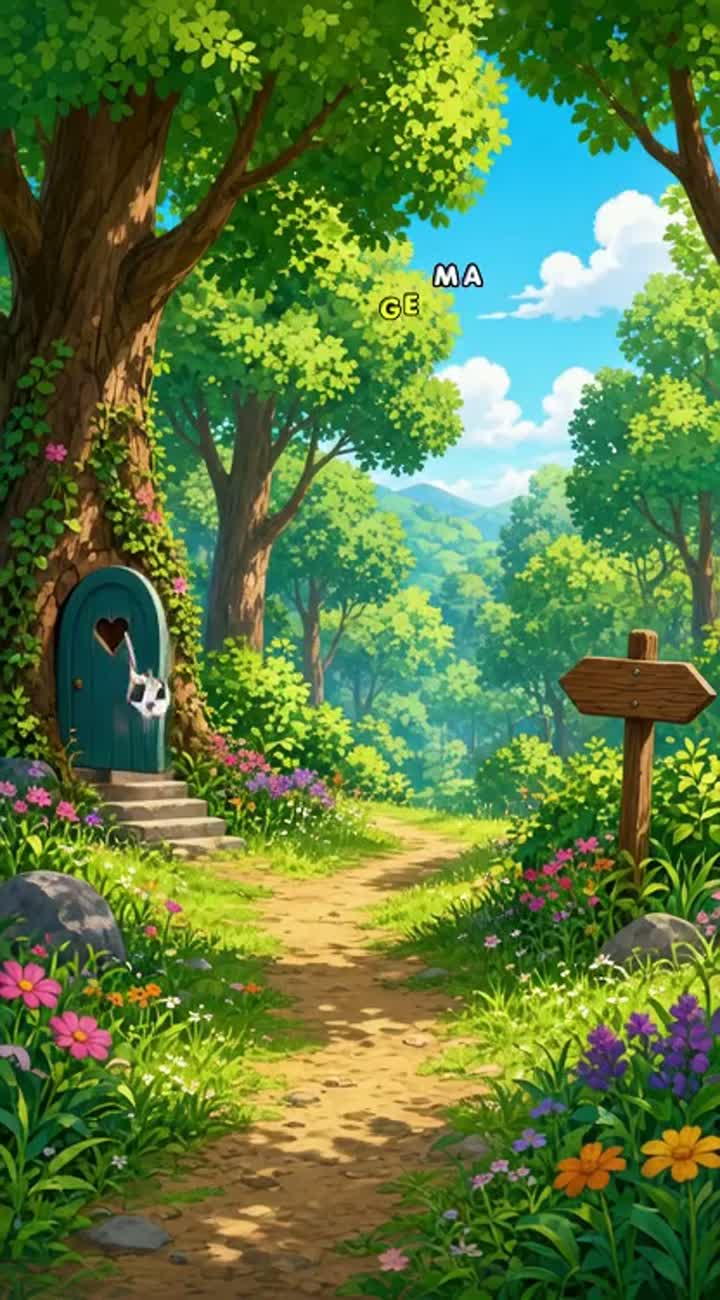
Colourful 2D cartoon story about a clever little rabbit who helps…
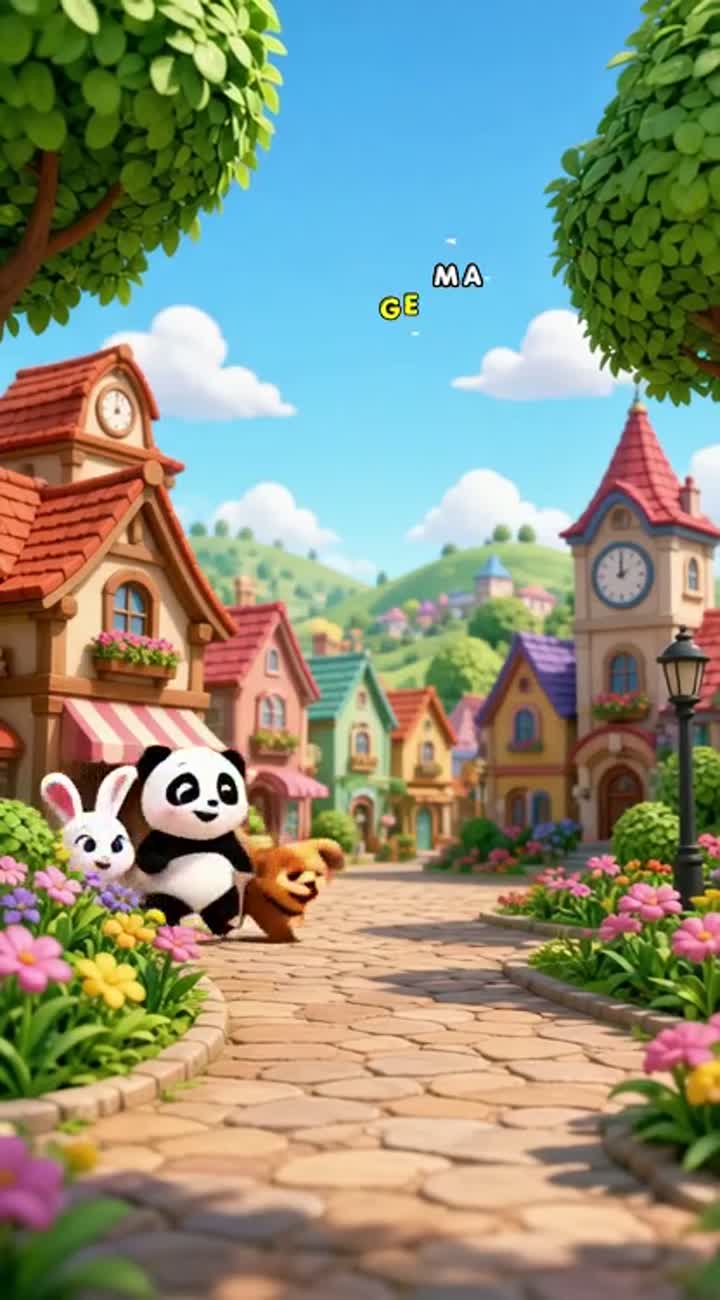
A cute little panda, a white bunny, and a funny puppy playing…
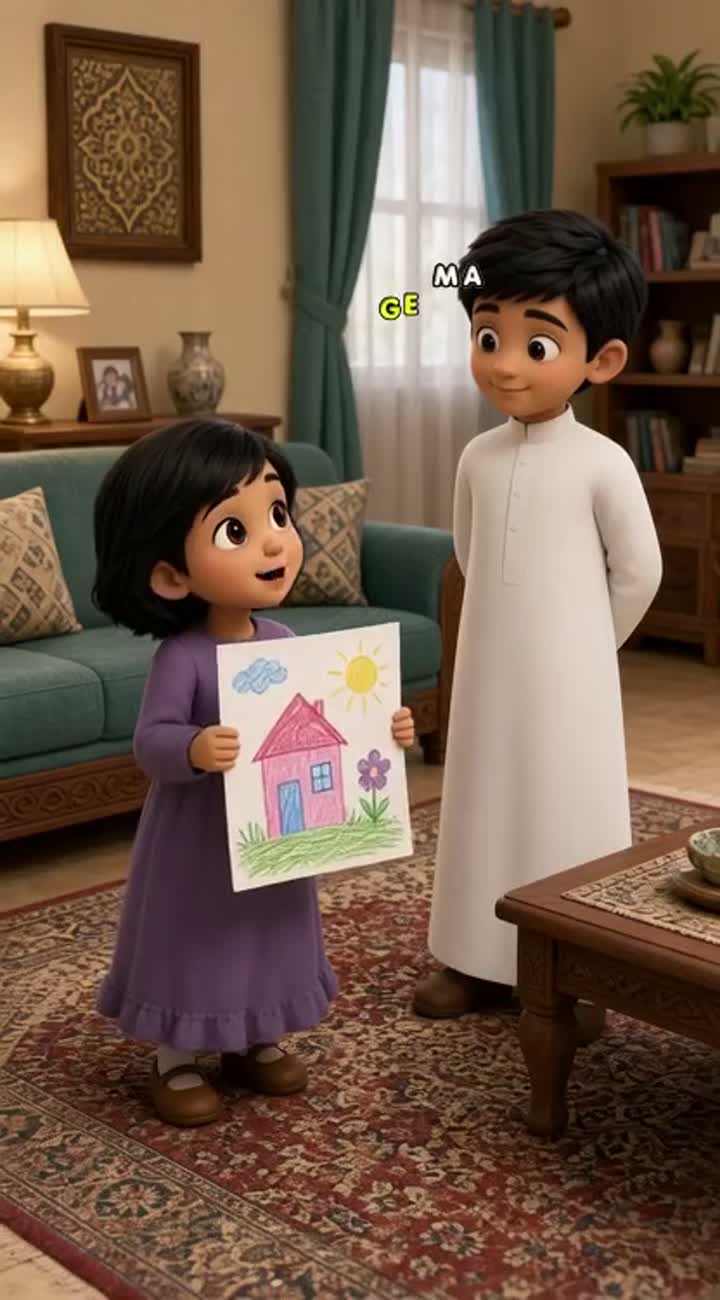
Short 3D animated family comedy video featuring exactly TWO…